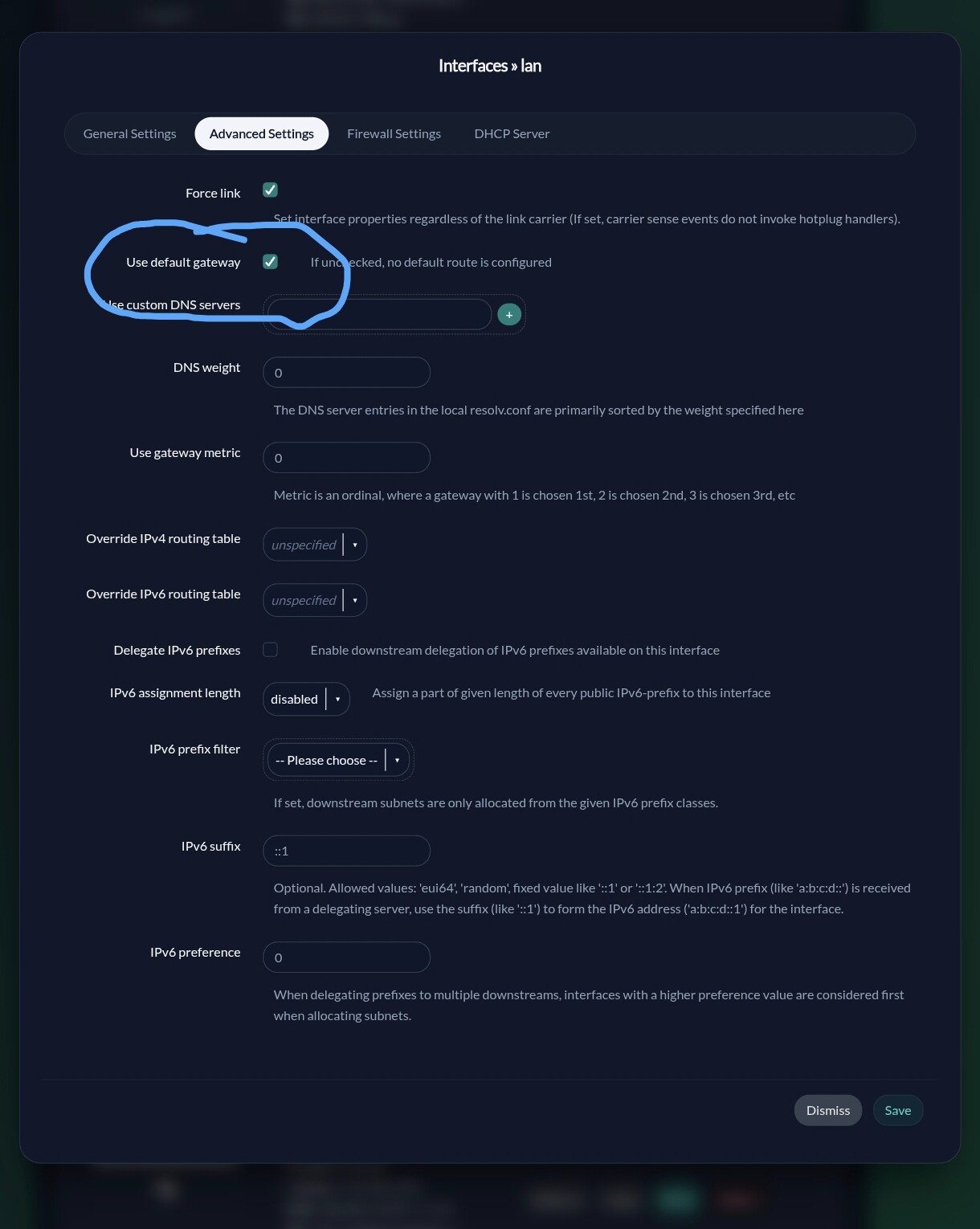
At this moment i’ve got a bridge with al lan ports (including wan) in it.
config device
 option name 'br-lan'
 option type 'bridge'
 list ports 'lan1'
 list ports 'lan2'
 list ports 'lan3'
 list ports 'wan'
This is connected to a managed switch. I want to remove the switch out of the network. (the switch is there because the original Linksys software did not allow me to use vlan)
What I want to achieve is the following;
A trunk lan to port 1
vlan 3 on port 2
vlan 2 on port 3, 4 and wan
What is the right way to go forward?
My /etc/config/network file
config interface 'loopback'
        option device 'lo'
        option proto 'static'
        list ipaddr '127.0.0.1/8'

config globals 'globals'
        option dhcp_default_duid '000471322910f9a545079d7b7b1d96784bb5'
        option ula_prefix 'fdf2:e0e9:50af::/48'
        option packet_steering '1'

config device
        option name 'br-lan'
        option type 'bridge'
        list ports 'lan1'
        list ports 'lan2'
        list ports 'lan3'
        list ports 'wan'

config interface 'lan'
        option device 'br-lan'
        option proto 'static'
        option ipaddr '192.168.1.5'
        option netmask '255.255.255.0'
        option gateway '192.168.1.1'
        option dns '192.168.1.1'

config interface 'lan6'
        option proto 'dhcpv6'
        option device '@lan'
        option reqaddress 'try'
        option reqprefix 'auto'
        option norelease '1'
        option type 'bridge'
I’m not sure if the snapshoot should be used with vlans. If you can use stable version or wait for stable one.
I can post you my config from one of my dumb ap in batman-adv network.
cat network

config interface 'loopback'
	option device 'lo'
	option proto 'static'
	option ipaddr '127.0.0.1'
	option netmask '255.0.0.0'

config globals 'globals'
	option ula_prefix 'fd3b:5a38:9dfd::/48'
	option packet_steering '0'

config device
	option name 'br-lan'
	option type 'bridge'
	list ports 'bat0'
	list ports 'lan1'
	list ports 'lan2'
	list ports 'lan3'

config device
	option name 'lan1'
	option macaddr 'd8:ec:5e:94:a3:84'

config device
	option name 'lan2'
	option macaddr 'd8:ec:5e:94:a3:84'

config device
	option name 'lan3'
	option macaddr 'd8:ec:5e:94:a3:84'

config interface 'lan'
	option device 'br-lan'
	option proto 'static'
	option ipaddr '192.168.8.10'
	option netmask '255.255.255.0'
	option ip6assign '60'
	option gateway '192.168.8.1'
	list dns '192.168.8.40'

config interface 'bat0'
	option proto 'batadv'
	option routing_algo 'BATMAN_V'
	option bridge_loop_avoidance '1'
	option gw_mode 'off'
	option hop_penalty '15'

config interface 'batmesh0'
	option proto 'batadv_hardif'
	option master 'bat0'
	option mtu '1536'

config interface 'IOT'
	option proto 'none'
	option device 'br-iot'

config device
	option type 'bridge'
	option name 'br-iot'
	list ports 'bat0.10'
	option bridge_empty '1'

config interface 'ESP'
	option proto 'none'
	option device 'br-esp'

config device
	option type 'bridge'
	option name 'br-esp'
	list ports 'bat0.20'
	option bridge_empty '1'

config interface 'GUEST'
	option proto 'none'
	option device 'br-guest'

config device
	option type 'bridge'
	option name 'br-guest'
	list ports 'bat0.30'
	option bridge_empty '1'
Now only batman is connected to bridge lan. All vlans are unmanaged interfaces across all batman network. And i connected wifi ap to every vlan. I’m using wifi for mesh backhaull.
When you create vlan interface hit save and apply. Then in devices setion create bridge like br-iot and for port enter custom bat0.10 and it will create bridge with that port. 10 means it will be using vlan id 10 that will later be setup on server or gateway node.
On batman server node i use two lan cables, one is used for tagged and another for untagged traffic, connected to my opnsense gateway. I have set up on gateway vlan id, dhcp, ip ranges for all vlans and firewall rules.
Now this is my setup. In case you are using openwrt router as a gateway some things might be different.
This is the switch and it’s settings I want to remove from the network, I don’t get my head around the translation from this switch settings to my opemwrt ap config.
(My ap has only 4 ports offcourse so VLAN 3 only goes to port 4. )
Since you have two routers set up network connection for them over ie. lan1. Lets call them main and slave router.
Connect slave router with lan cable to comp. Set up static ip on slave router from dhcp pool of main router, for gateway use ip on main router and for dns 8.8.8.8. Save and apply. If it come back with new ip disable dhcp, firewall and dnmasq in services. In lan config of slave router disable dhcp, RA-Service and DHCPv6-Service. You should now get router with static ip that you can access over static ip.
If this is working connect lan cable between them and test if connection works ie ping main router, ping host on net. If this is working then you can proceed with vlans setup.
Are you still having issues? If so, let's make sure we have all the information to actually solve your issue.
What port is physically used as the uplink?
What is the port-vlan membership -- define what VLANs should be on each port (and for the trunk port(s) which VLAN should be untagged or if they are all tagged).
Which VLAN is used to manage the device?
What IP address should the device use on the management network (or should it be DHCP client)?
Is the config from your first post the same as it is now?
You didn't mention the wan port and your MX5500 only have 3 lan ports. So.. I'm going to assume that's the wan will serve as port 1 in your description, and that ports 2-4 are really lan1-lan3.
Start by creating bridge-vlans:
config bridge-vlan
        option device 'br-lan'
        option vlan '20'
        list ports 'lan2:u*'
        list ports 'lan3:u*'
        list ports 'wan:t'

config bridge-vlan
        option device 'br-lan'
        option vlan '30'
        list ports 'lan1:u*'
        list ports 'wan:t'
config interface 'vlan30'
        option device 'br-lan.30'
        option proto 'none'
Restart. Connect the upstream network to the wan port and you should be good to go. Remember, both VLAN20 and VLAN30 are tagged on the wan port, so if the upstream network isn't setup to match, that needs to be adjusted.