Hello!
I'm new to OpenWRT and want to use the WRT firmware. I'm trying to change the firmware on my Xiaomi AC2100 R2100 router because I don't like the firmware from China! The procedure is very well explained on the OpenWRT website for this router.
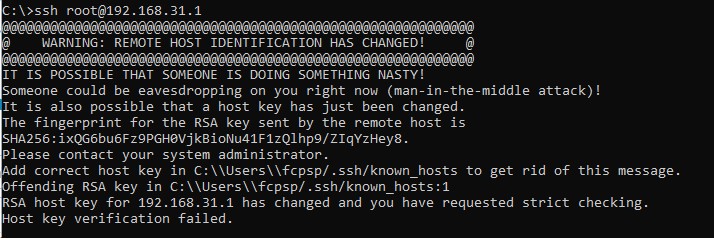
The first time, I did everything right and managed to open SSH, but after the last instruction (store the firmware on the router) the power went out! After the debrick I was unable to access the router, but I managed to revert to stock firmware using the official Xiaomi repair tool. I tried again to change the firmware to OpenWRT. I did everything correctly, but when I went to the Prompt (I use Windows 10) to check SSH, this message came up saying it is blocked:
Question: Where am I going wrong and what is the procedure to update the firmware after receiving this message?
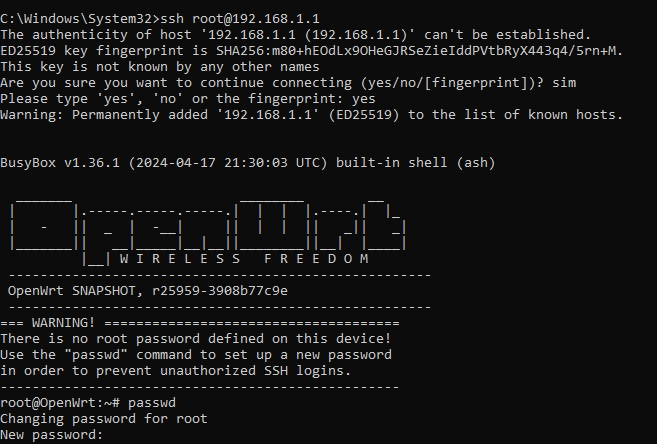
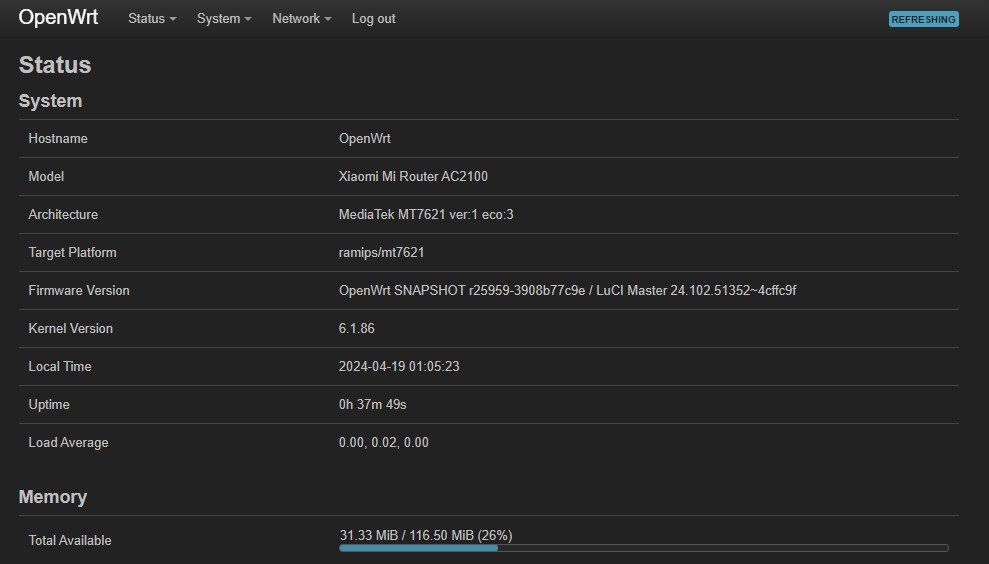
Was the OpenWRT firmware installed correctly?
What is the IP to access OpenWRT? Because 192.168.1.1 and 192.168.31.1 do not work.
NOTE: This Xiaomi AC2100 R2100 router is connected to another main Humax HGB10R-02 (now, I can't access it either!) I'm going to turn off and restart the routers and the computer...
Connect one of the LAN ports of the router only to your PC. Don't connect the router to any other network at this time. Also turn off the PC wifi for now. The Ethernet should obtain an IP address in the 192.168.1.X range from the router.
After doing the entire procedure for installing the OpenWRT firmware in this Xiaomi AC2100 R2100 router, should I leave the router on until the two blue lights lit? Or should I turn off the outlet as soon as the light blinks in orange?
Thanks!
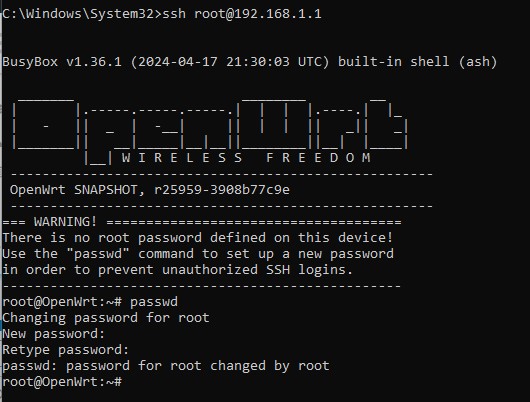
Your router is flashed openwrt correctly.
Do not connect wan cable, you have to wait one blue led lit, then ~2min later, browser should see luci login page, at 192.168.1.1.
Or SSH root@192.168.1.1 should work.