I am trying to send an ssh command from Home Assistant (terminal) to a Teltonika network switch to turn PoE on/off. I have everything working perfectly in two stages such that if I start an ssh session, a connection is made without delay, rsa keys are already shared on both devices, etc. I can then enter the command and everything works. If I send the command as one whole string, it does not. I either get syntax error, a "quote" prompt or > cursor only.
First part: ssh -i /config/.ssh root@192.168.1.2
Second part: ubus call poeman set '{“port”:“lan2”,“enable”:TRUE}’
One string: ssh -i /config/.ssh root@192.168.1.2 ‘ubus call poeman set '{“port”:“lan2”,“enable”:TRUE}’
I'm sure this is all about single and double quotes but I'm at a loss and desperate to solve this quickly.
Thanks for responding so quickly. I'll try your commands. Square bracket was an error from copy/paste from notepad - removed.
Interesting idea about commands being local. I'm sure that's possible although I'm not certain how. Their RUT241 device has a package manger and I've added MQTT among other things but their network switch has OPKG but relies on a much deeper level of programming to do things, and doesnt support MQTT unless its specifically add and then scripted to interface, which is not something I would be able to do.
The 'docker exec' command I believe puts the terminal into the home assistant shell. Both of the first commands (from green) reported 'ubus not found', the next was the quotes (NPeca75).
This is an option and I did look at it but I found it got very confusing trying to find the relevant OIDs for the device. SNMP may be a better option so I can track the status of each PoE too.
Just a thought, perhaps I can enable/disable the ports using snap and this too would kill poe. I don't need the port functional, it's to save power when I need to.
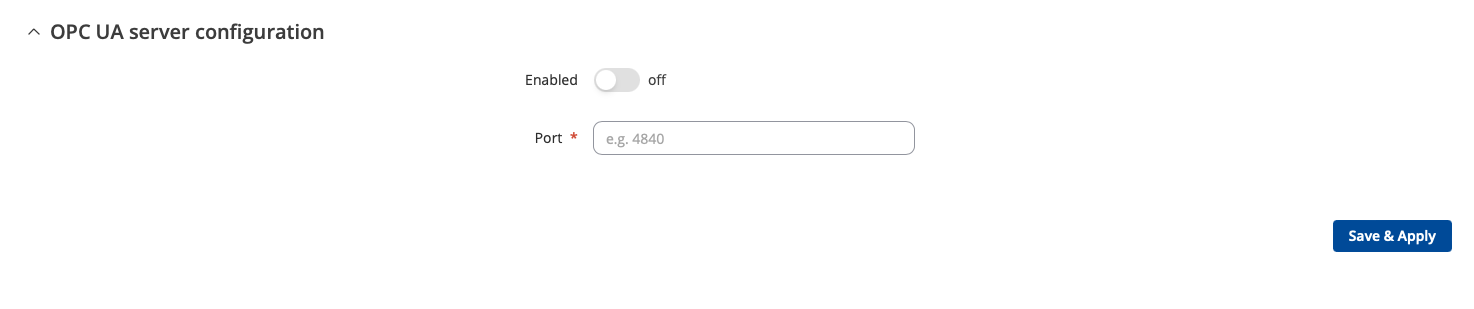
The device also has LLDP and OPC UA options if either of those could help me. The LLDP looks like it is designed to enable/disable ports but no idea if they are supported in Home Assistant.
Following the idea from ncompact, I have created a 'config' directory and added files for each on and off for each port I need, so it would be 16 for all 8 ports. I'm sure there will be a better way than this using IF statements but this will do for now.
After creating each sh file, I ran chmod 777 to enable it. I can now call a simple string from a terminal such as: "sh -i /config/.ssh root@192.168.1.2 ‘./config/lan1_off.sh"
My hope is that the config directory will remain beyond firmware updates which I'll confirm with Teltonika this week.
Now that is a neat approach. A shame you have to take that approach, thanks to the manufacturer's outright refusal to do the sensible thing and support SNMP, but it is a very neat approach. I like it.
And as @spence notes above, make sure you keep discrete backups.