I have a Flint 2 router (Virgin media hub in modem mode connected to the Flint 2 router).
My internet is around 1000 download 100 up speed but I get sometimes get lag when playing online (I have 4 xbox's shared with my brother). All 4 xbox's have a static ip address assigned to them (infinite lease time) 2 are wired and 2 are on wifi but i rarely play all 4 at the same time anyway and usually use the 2 wired devices only.
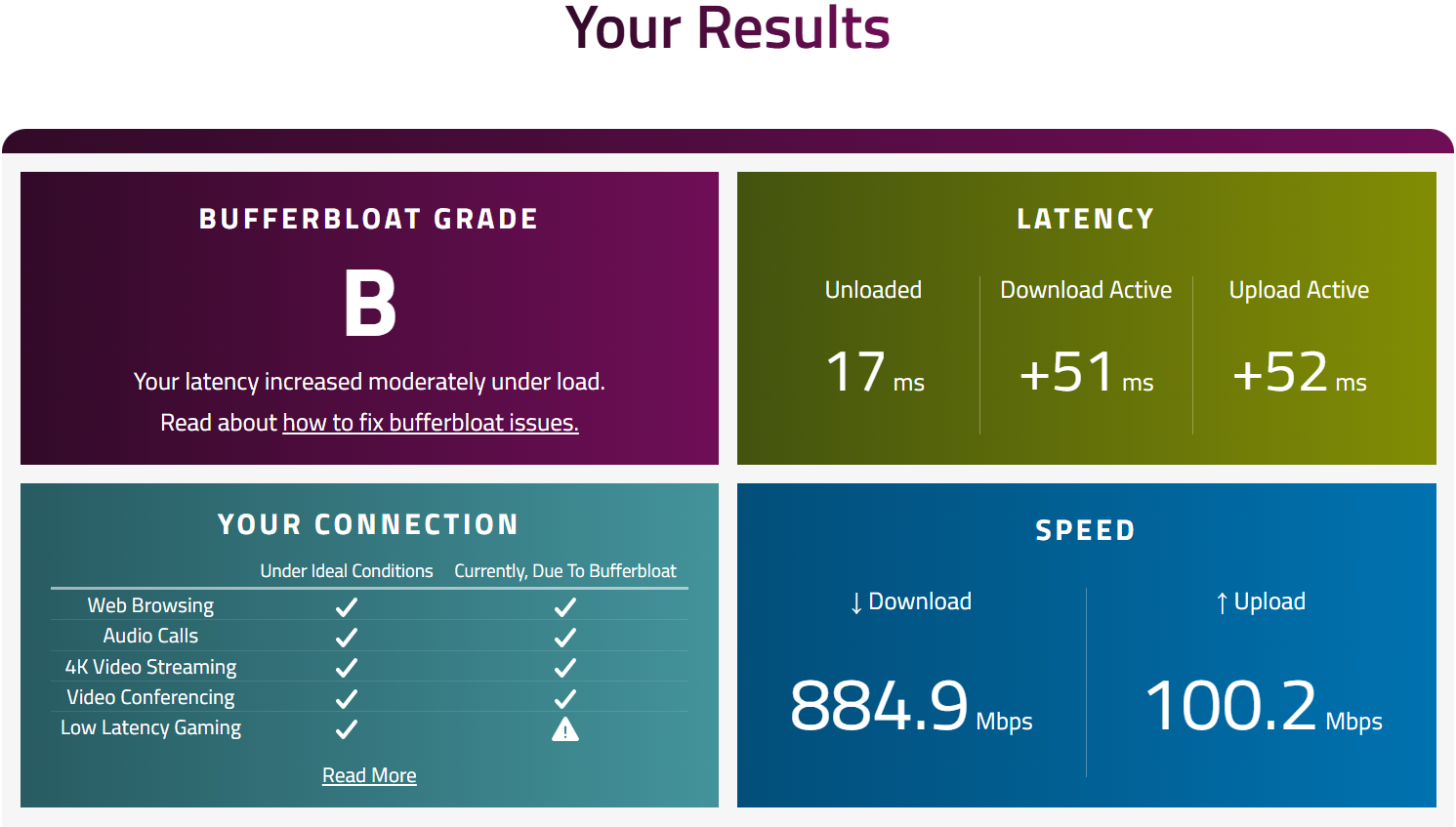
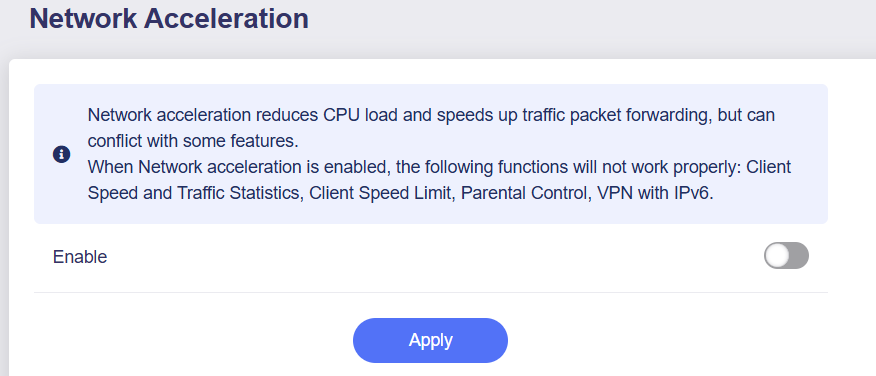
This is a speed test with no sqm changes made (so default everything - network acceleration is turned on - hardware acceleration in the admin panel settings):
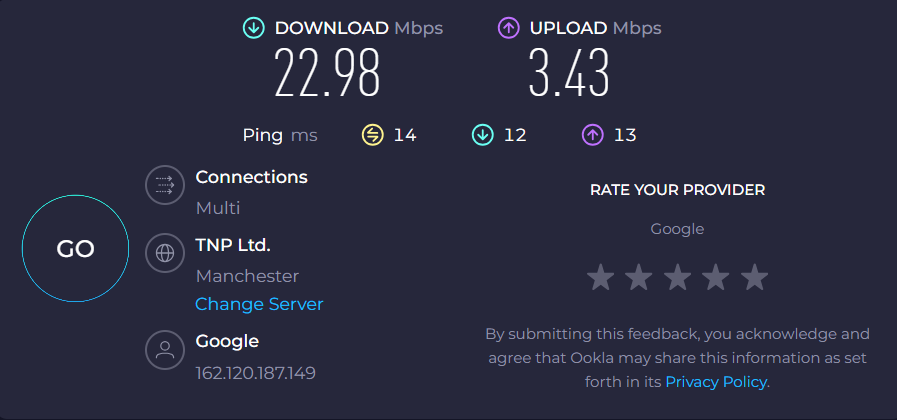
I messed about with the SQM settings and found that in order to get an A+ bufferbloat grade and actually experience no lag when playing Xbox, I have to cap my upload and download speeds significantly as you can see below:
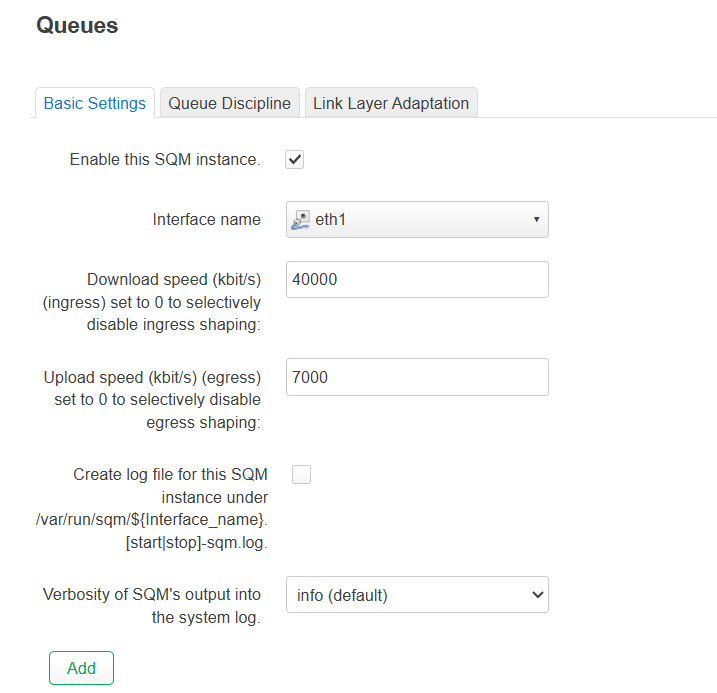
Capped to 40mb down and 7 mb up. Anything more than this does not show an A+ grade and I do get the occasional unstable connection message when playing games like fc26.
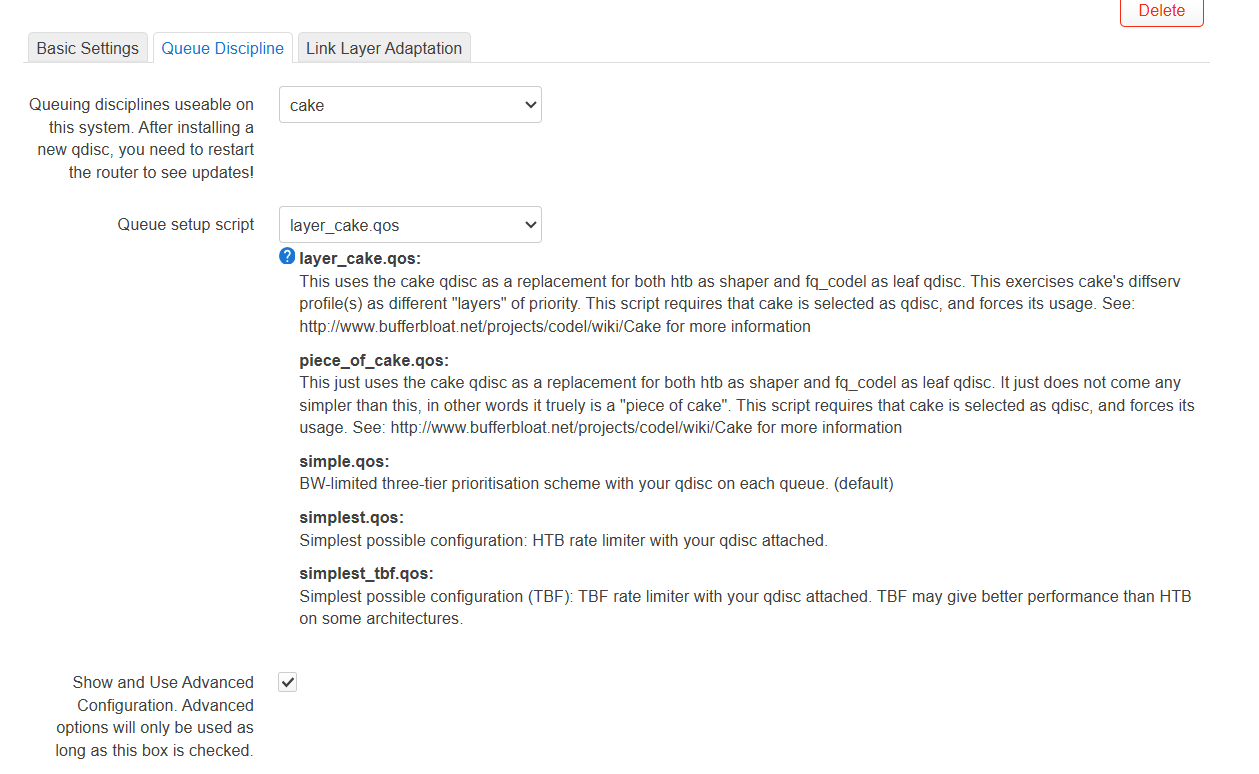
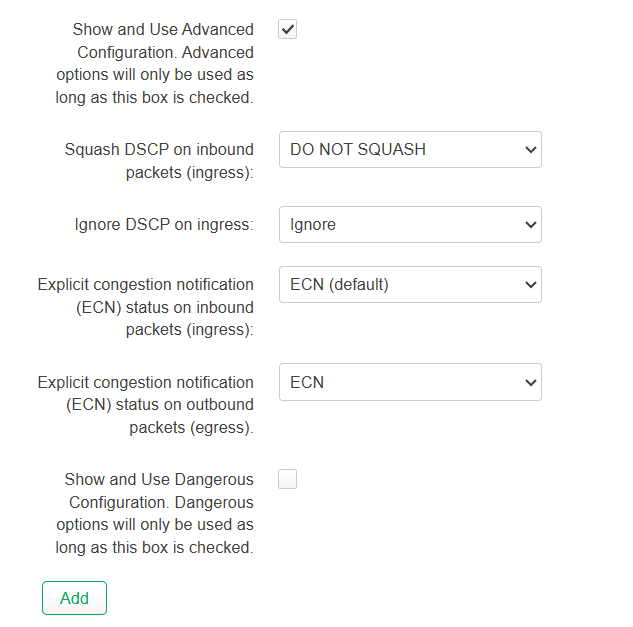
Here are my settings for this below. I would really appreciate some assistance as I feel i'm doing something wrong as surely I should not have to cap my bandwidth that much? It also causes an issue for everyone else in my house as this bandwidth cap is to the wan, so all my devices so even when my Dad is watching a youtube vid/s (with these settings applied) whilst me and my brother are playing can cause the video to lag (gaming is fine). All I really need is for the bandwidth to be capped for the 4 xbox's only (not all the devices in my house like mobile phones, firestick, etc)
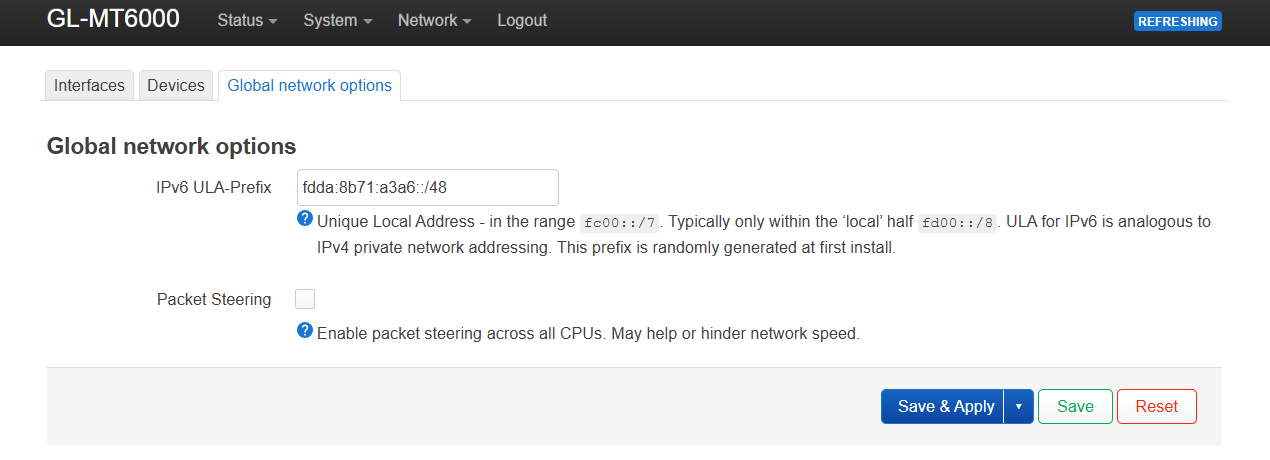
Packet steering is off (don't know if turning it on helps)
Any ideas as I really think my settings are wrong.
This is a forum for OpenWrt from https://openwrt.org/ , you need to seek help with glinet knockoff with glinet.
It appears you are using firmware that is not from the official OpenWrt project.
When using forks/offshoots/vendor-specific builds that are "based on OpenWrt", there may be many differences compared to the official versions (hosted by OpenWrt.org). Some of these customizations may fundamentally change the way that OpenWrt works. You might need help from people with specific/specialized knowledge about the firmware you are using, so it is possible that advice you get here may not be useful.
Ask for help from the maintainer(s) or user community of the specific firmware that you are using.
Provide the source code for the firmware so that users on this forum can understand how your firmware works (OpenWrt forum users are volunteers, so somebody might look at the code if they have time and are interested in your issue).
If you believe that this specific issue is common to generic/official OpenWrt and/or the maintainers of your build have indicated as such, please feel free to clarify.
On multicore routers that usually helps. So try this out.
That is, alas, not how sqm works. In order to avoid undue latency spikes sqm needs to be in control of the bottleneck queue. And to achieve that, it typically needs a traffic shaper that affects all traffic in and out of a network.
I would be surprised if that would ctually work well with sqm...
Did you click that brada4's post solved this topic?
It is true that if using an OpenWrt derivative some issues are best solved with the maker of said derivative, but some issues affect all firmwares, sqm tends to be one of those...
Why? Your post did not really address let alone solve the OP's question, so technically it was/is not a solution.
It is obviously your prerogative to engage or not engage with a question, maybe not try to decide this for everybody else?
This topic is a bit subtle, what exactly did you try and how did you assess the results?
Good!
Thus is good advice, please switch to simple.qos/fq-codel and say put the ingress limit to 200 and the egress limit to 200 (EDIT: I reread your top post and understand that your ISP limits you to 100 Mbps, but for the first test that is still useful) as well and then run the following tests and post results here:
https://bufferbloat.libreqos.com (after a succesfull test, expand the advanced statistics section by clicking on the small triangle and then click the "Download JPG" button a bit below the now expanded advanced statistics section)
HTB+fq-codel, as used by simple.qos, will mostly not show more throughput once the CPU is saturated, so allows a relative easy test at what shaper rate SQM gets CPU limited (cake is a bit heavier on the CPU, so the limit for cake would be a little lower, but first let's figure out what is the limit here).