I Could not find install instructions on the page eventually i found this.
So I uploaded the
*squashfs-sysupgrade.bin image using the stock WebUI"
  update page.
It did install but it did not load lucie (there was some redirecting going on but nothing showed up)
I evetually found out i accidentally used the Snapshot *squashfs" rather then the 25.12.3 (because it is that tha hardwarepage links to)
After putting the router into failsafe mode I was able to connect to the router via SSH.
I installed the 25.12.3 *squashfs from the commandline, ditching "existing config"
This seemed to have worked, since i could login into lucie. and everything seemed fine.
Then i clicked on "Enable radio/wifi" (the standard one which was already there)
Then i lost connection to to router.
Now i cannot connect to it in any way anymore. If i just boot it it kinda looks like its in a boot loop. Putting it in failsafe mode seemes to work (fast blinking LEDs) but i cannot connect no http no SSH..
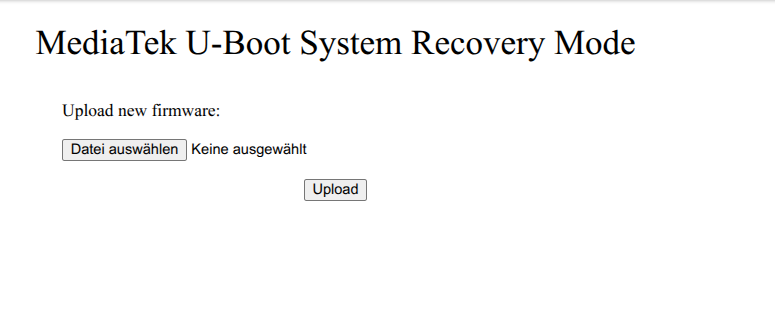
I am able to get to this:
Recovery
--------
Power on the router while holding the Reset button until
the LED flashes 5 times.
The U-Boot Flash WebUI will be available at http://192.168.1.1/