Here is an example of such a encrypted OLSR mesh i setup for testing/evaluation
Im connected to the mesh from my pc via wifi to the GL-iNet 6416A v1 (which is connected to the internet) (Device has LAN and WAN Port)
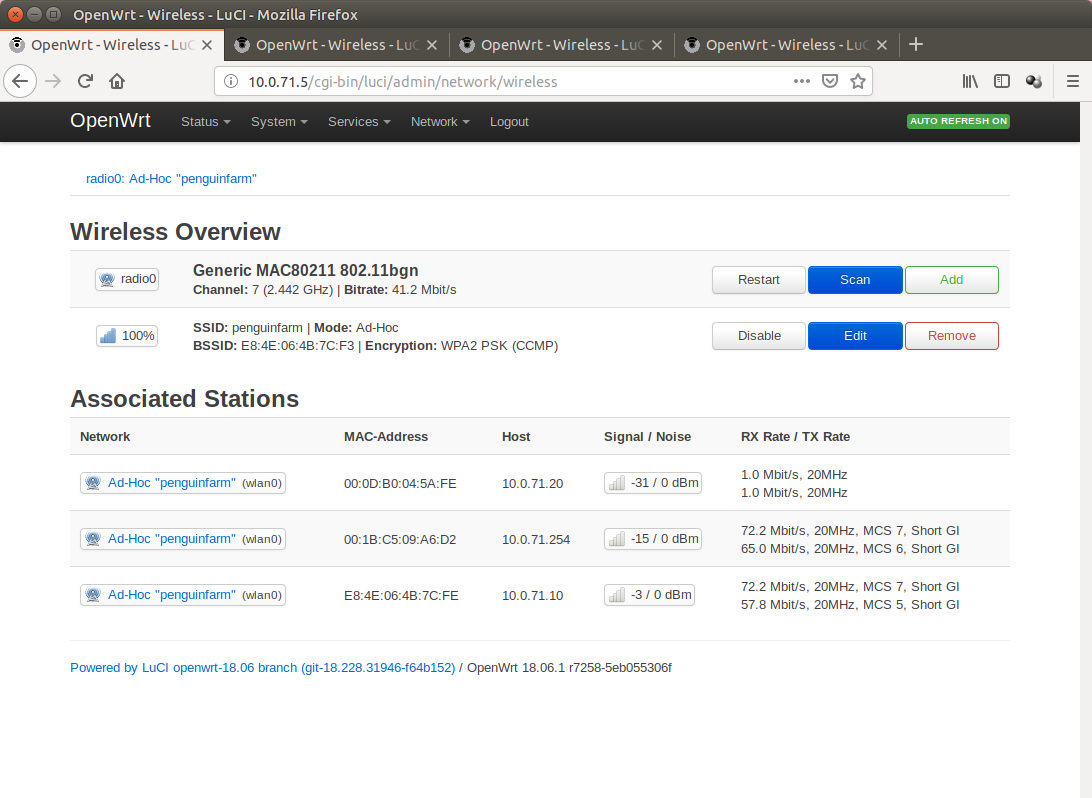
Device
10.0.71.5
FriendlyARM NanoPi NEO (512mb Ram, 2Gb sdcard, quad-core arm, 100Mbps Lan)
RT3070 USB Wifi Dongle
Only Mesh
Device
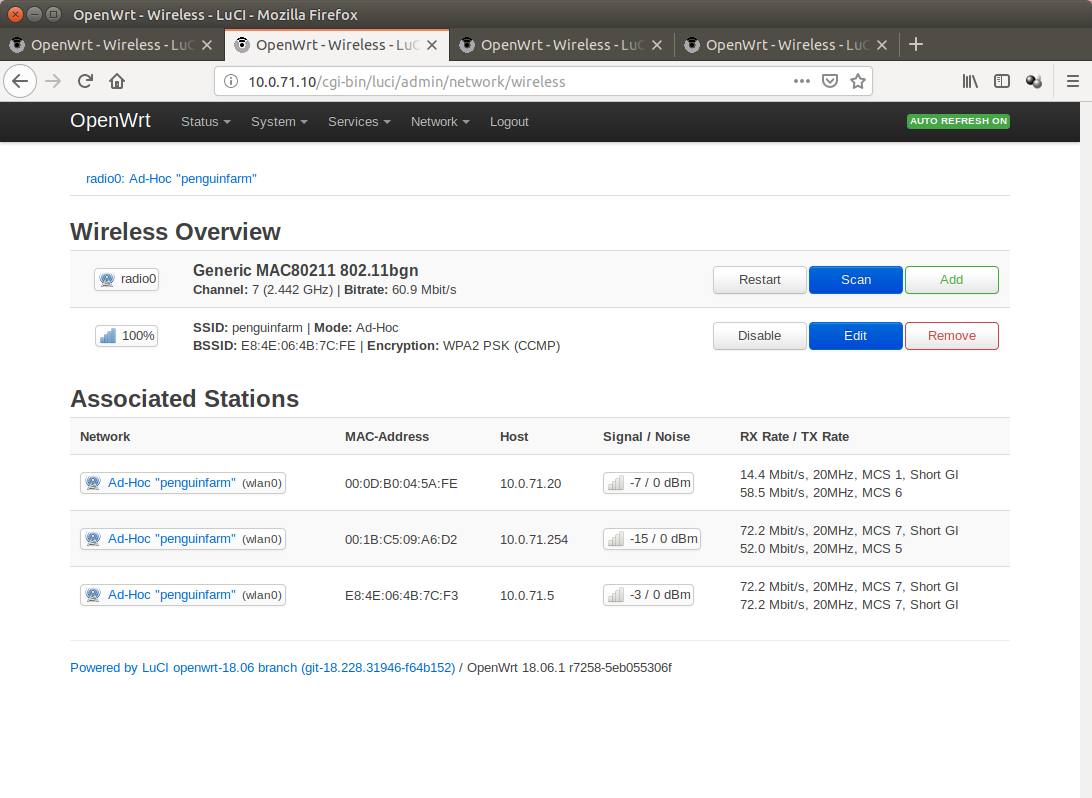
10.0.71.10
FriendlyARM NanoPi NEO (256mb Ram, 2 Gb sdcard, quad-core arm, 100Mbps Lan)
RT3070 USB Wifi Dongle
Only Mesh
Device
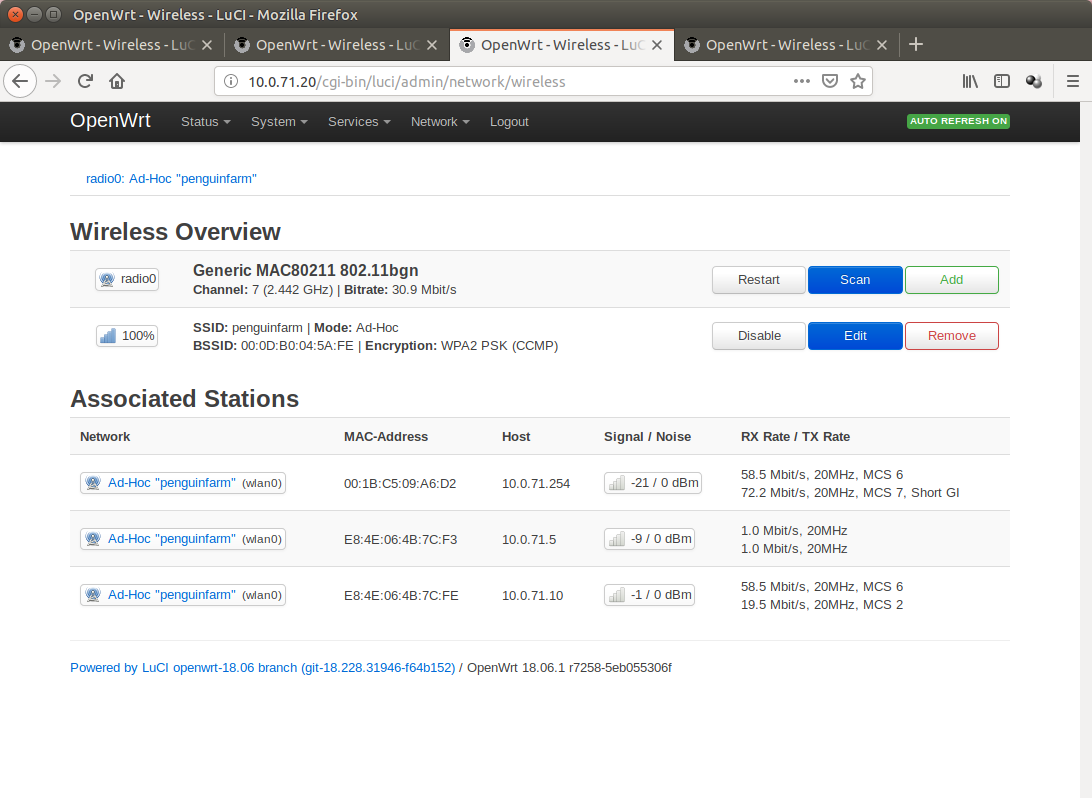
10.0.71.20
FriendlyARM NanoPi NEO2 (1024mb Ram, 8gb sdcard, quad-core arm, 1Gbit Lan)
RT3070 USB Wifi Dongle
Only Mesh
Device
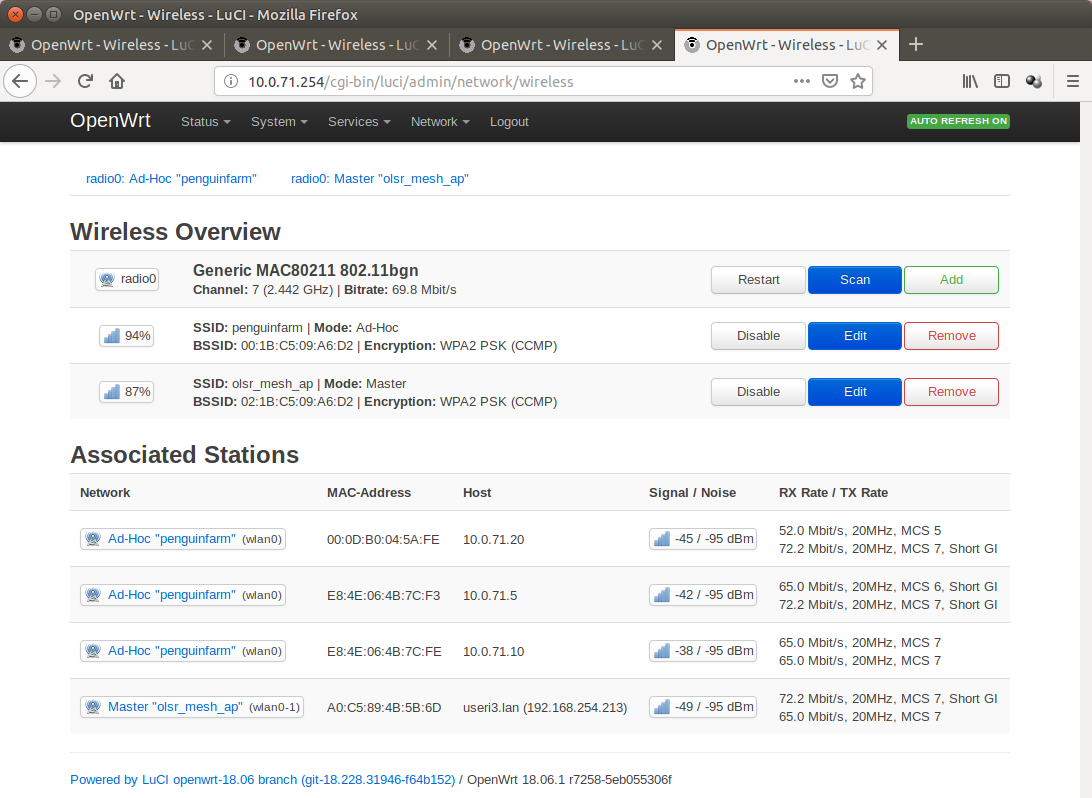
10.0.71.254 (Gateway)
Model GL-iNet 6416A v1 (64mb Ram, 16mb flash, Atheros AR9330 rev 1, single core)
Access Point and Mesh same time
OLSR Viz
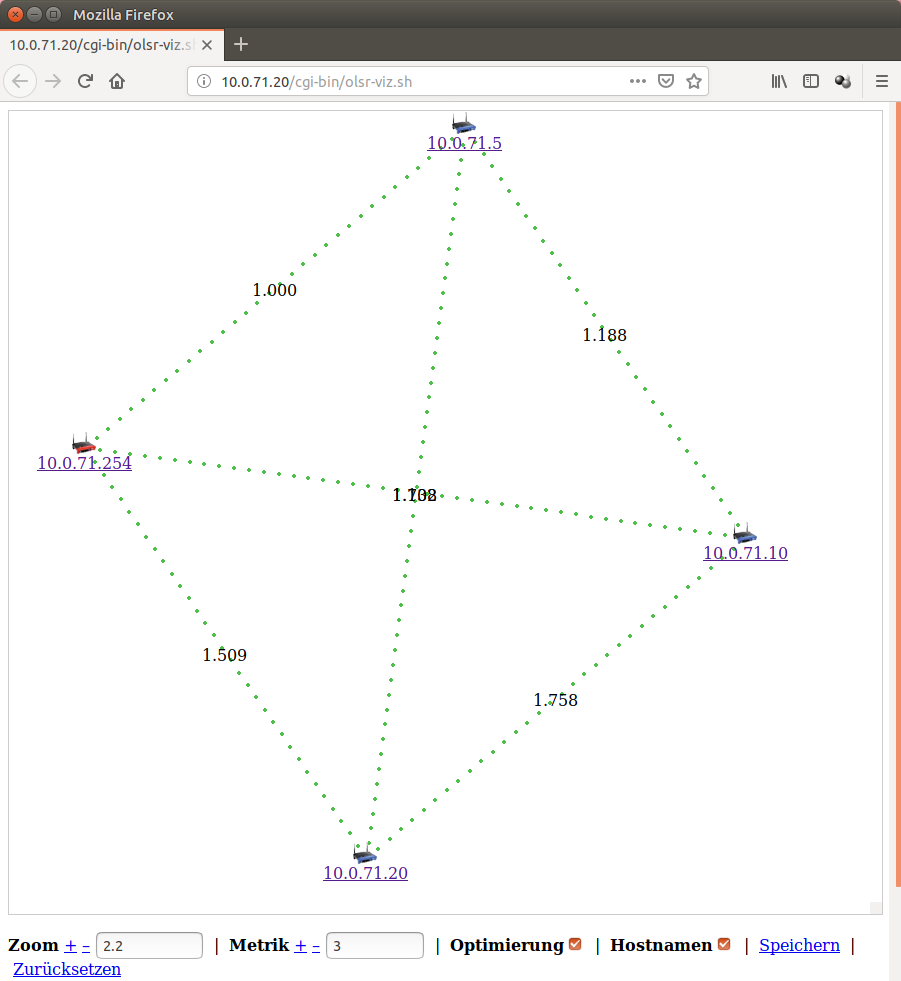
The Mesh is in fact encrypted with WPA-PSK2 (CCMP)
config wifi-iface
	option device 'radio0'
	option key 'thepassword'
	option ssid 'penguinfarm'
	option mode 'adhoc'
	option network 'mesh'
	option encryption 'psk2'