That makes it more difficult to quote things but no problem
It looks like it is working:
       set pbr_nordvpntun2_4_dst_ip_cfg046ff5 { # handle 688
                type ipv4_addr
                flags interval
                counter
                auto-merge
                comment "Test"
                elements = { 95.85.16.212 counter packets 4025 bytes 567747, 142                                                                                                             .250.64.142 counter packets 0 bytes 0,
                             142.250.64.174 counter packets 36 bytes 6869, 142.2                                                                                                             50.64.202 counter packets 0 bytes 0,
                             142.250.64.206 counter packets 74 bytes 15478, 142.                                                                                                             250.64.234 counter packets 35 bytes 6833,
                             142.250.64.238 counter packets 31 bytes 6521, 142.2                                                                                                             50.189.138 counter packets 291 bytes 80792,
                             142.250.189.142 counter packets 71 bytes 17254, 142                                                                                                             .250.217.170 counter packets 70 bytes 8420,
                             142.250.217.174 counter packets 68 bytes 14825, 142                                                                                                             .250.217.202 counter packets 91 bytes 16101,
                             142.250.217.206 counter packets 80 bytes 15025, 142                                                                                                             .250.217.234 counter packets 25 bytes 4677,
                             142.250.217.238 counter packets 40 bytes 9792, 142.                                                                                                             251.35.234 counter packets 16 bytes 5648,
                             172.217.2.202 counter packets 31 bytes 4207, 172.21                                                                                                             7.2.206 counter packets 0 bytes 0,
                             172.217.3.78 counter packets 11 bytes 2984, 172.217                                                                                                             .15.206 counter packets 4 bytes 1396,
                             172.217.165.196 counter packets 0 bytes 0, 172.217.                                                                                                             165.202 counter packets 93 bytes 12343,
                             172.217.165.206 counter packets 68 bytes 16131, 192                                                                                                             .178.50.42 counter packets 27 bytes 4779,
                             192.178.50.46 counter packets 9 bytes 2880, 192.178                                                                                                             .50.74 counter packets 81 bytes 10194,
                             192.178.50.78 counter packets 78 bytes 18663 }
These are some of the ip addresses which are used as destinations and are send via the tunnel.
Perhaps you might not have added all relevant youtube addresses and/or youtube is tracking your DNS origin and the way you have setup is that your DNS origin is coming from your home.
Check if you have really all relevant youtube destinations and try with setting resolver set to nft to dynamically catch all domain names, use the GUI to change I do not know if the option is really nft:
You now have set the resolver set to none:
option resolver_set 'none'
Furthermore you might look into "DNS leak"
Here are my personal notes about DNS leak:
Some small remarks:
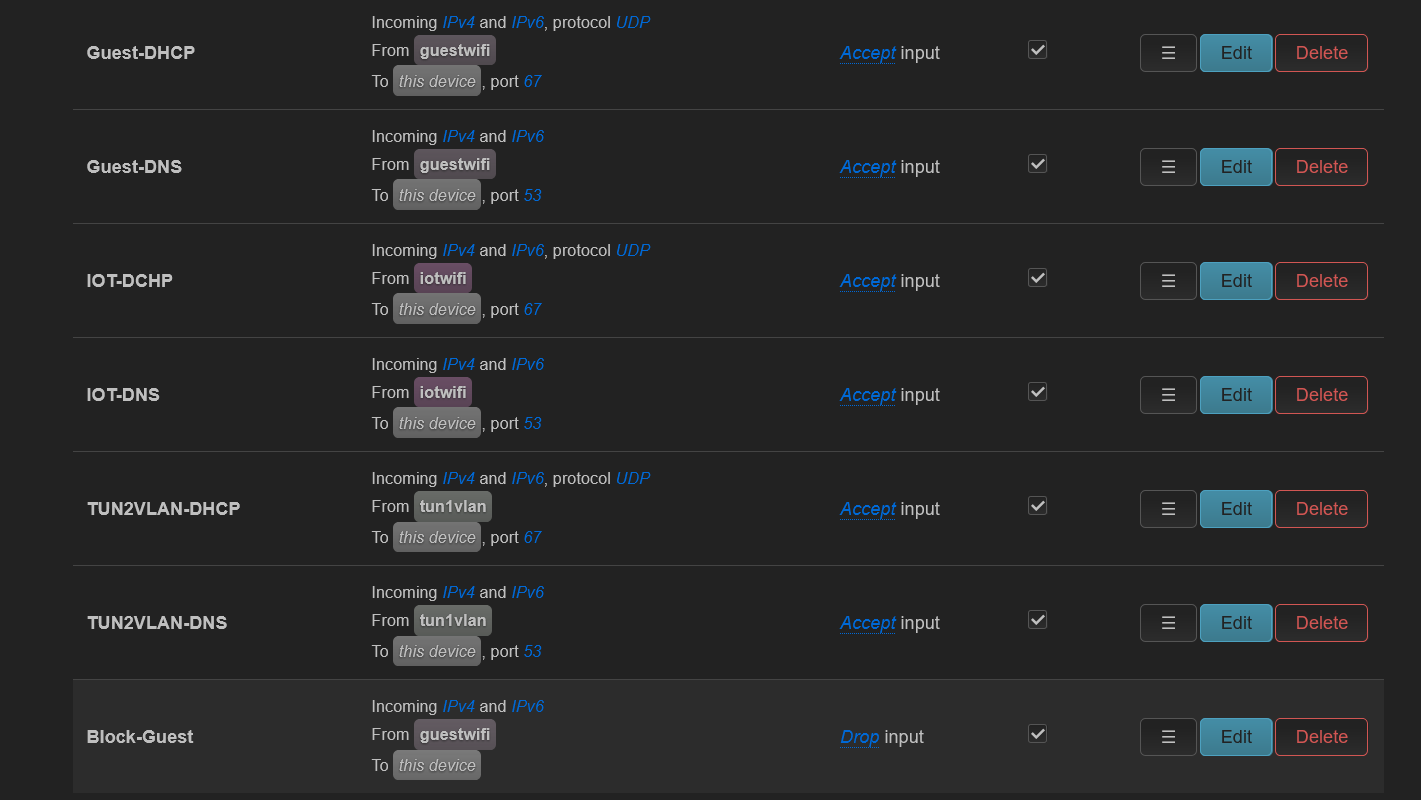
In DHCP you have:
        list dhcp_option '6,192.168.73.1'
        list dhcp_option '3,192.168.73.1'
That is redundant as 192.168.73.1 is your routers address so that is done by default
In VPN configs you can add:
redirect-private def1 besides pull-filter ignore "redirect-gateway" (no need to put the -- in front although it does not hurt)

 so that way