COMFAST CF-WR632AX is a compact (123.4 mm * 88.7 mm * 34 mm)
wireless WiFi 6 router.

Specification
-------------
- SoC          : MediaTek MT7981B dual-core ARM Cortex-A53 1.3 GHz
- RAM          : DDR3 512 MiB
- Flash        : SPI-NAND 128 MiB (Winbond)
- WLAN         : MediaTek MT7976CN dual-band WiFi 6
  - 2.4 GHz    : b/g/n/ax, MU-MIMO (2x 5 dBi antennas)
  - 5 GHz      : a/n/ac/ax, MU-MIMO (2x 5 dBi antennas)
- Ethernet     :
  - LAN x1     : 10/100/1000 Mbps (MT7981 internal PHY)
  - WAN x1     : 10/100/1000/2500 Mbps (Maxlinear GPY211C)
- USB x1       : 3.0
- UART         : through-hole on PCB
  - assignment : (RX), (TX), (GND), [VCC]
  - settings   : 115200n8
- Buttons x1   : Reset
- LEDs x3      : Status (Blue, Green, Red)
- Fan x1       : PWM, 4-wire, 5 V, 0.3 A, 45 mm * 10 mm
- Power        : 5 VDC, 3 A, Type-C

Flash instructions
------------------
WebUI Method:

1. Install the *squashfs-sysupgrade.bin image using the stock WebUI
   update page.
2. Press and hold the reset button after reboot
   to wipe the stock config.

SSH Method:

1. Import stock firmware settings from backup file
   github.com/andros-ua/owrt-misc/blob/main/cf-wr632ax/backup.file
   Note: WebUI password will be reset to admin1234 after import.
2. Connect via SSH using root:openwrt credentials.
3. Upload the *squashfs-sysupgrade.bin image.
4. Use the command: sysupgrade -n
   All checks should pass.

Return to stock
---------------
Flash a stock firmware
using the OpenWrt sysupgrade method.

Recovery
--------
Power on the router while holding the Reset button until
the LED flashes 5 times.
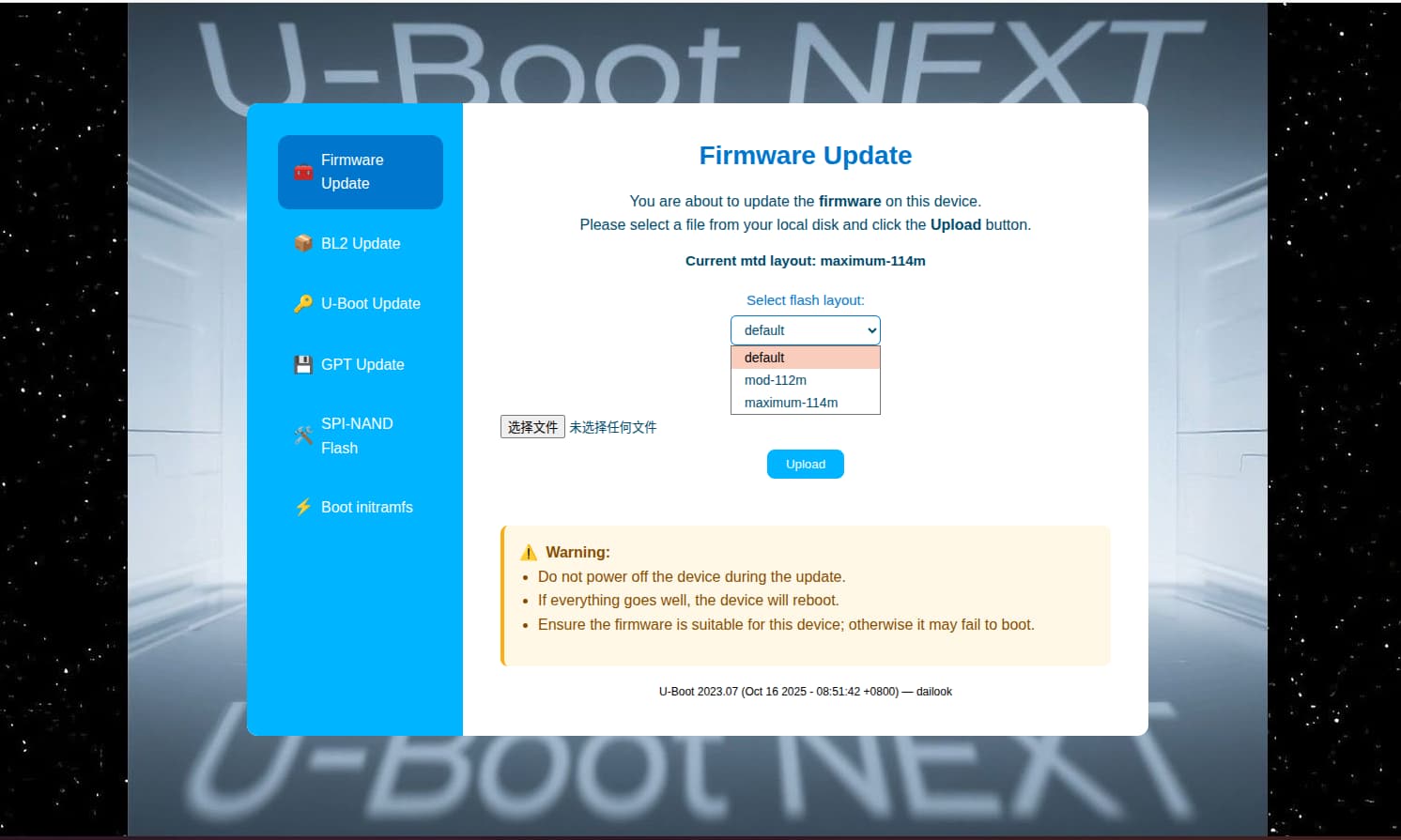
The U-Boot Flash WebUI will be available at http://192.168.1.1
or
Connect UART and use the U-Boot menu to flash the firmware image
or boot an OpenWrt initramfs image.

MAC Addresses:
----------------------------------------------------------
| Interface    |  MAC              | Source              |
---------------|-------------------|----------------------
| WAN (label)  | 40:A5:EF:xx:xx:xx | Factory, 0xe000     |
| LAN          | 40:A5:EF:xx:xx:xx | Factory, 0xe000 + 1 |
| WLAN 2.4 GHz | 40:A5:EF:xx:xx:xx | Factory, 0x4        |
| WLAN 5 GHz   | 40:A5:EF:xx:xx:xx | Factory, 0x8000     |
----------------------------------------------------------
https://github.com/openwrt/openwrt/pull/20382 - author andros-ua, newest, correct branch, author did great work
(1 - looks great(i used info about device from his pull request)
2 - MAC discovered "with the same behavioras vendor firmware."
3 - can install from stock as update
4 - have repo with builded images - github.com/andros-ua/owrt-misc/tree/main/cf-wr632ax/stable/v24.10.4
5 - have build for extended overlay section(achieved with uboot mod,I described it a little below) - available space for packages is 85 megabytes vs 45 megabytes in stock overlay partition
(i recommend 3 pull request,from andros-ua)
for everyone interested in the device, I got it and tried the patch from andros-ua, it works great.
however, the hardware does have a big flaw: it won’t work on any real USB-C charger because they forgot the friggin resistors for CC1 and CC2, so you will have to power it with a dumb charger or a USB-A to USB-C cable, USB-C to USB-C wont work.
I've already asked the author about access to the source code and am awaiting a response. In any case, no one is forcing me to use it; I only indicated its existence. I use it, and it works perfectly.
Hi all, I also have this device which was provided from Comfast for testing, I feedback to Comfast there was a bug that any type-C charger doesn't work on this router, Confast says they will revise and deliver new edition. I think this fault is big enough to kill this product and nobody want to bring additional A-C cable during travelling.