Hello, it's me again from Same problem. After I done it to a device it works all fine. Now I need a second device with this settings. After applying them to the device it works but only when the ipv4 address 10.10.., 10.11..., when I try like 10.2.1... that doesn't work.
sry, but I didn't understand completely. When I assign a subnet like 10.2.0.0/24 then I can use 10.2.1.200. What's the different between the subnet 10.2.0.0 and 10.10.0.0?
You are using a /24 network which only covers 10.13.1.1-10.13.1.254. Anything outside that range will be unreachable unless routed accordingly.
Maybe you could describe what exactly you did and what did not work as a result.
Please connect to your OpenWrt device using ssh and copy the output of the following commands and post it here using the "Preformatted text </> " button:
Remember to redact passwords, MAC addresses and any public IP addresses you may have:
Hey, yeah that's not possible because I can't connect to my device, when I use the ip- address 10.2.1.200 as the ipv4 address. When I use 10.10.1.200 or 10.13.1.200 or anything above 10.10 then all works fine and the way I want.
I used my old topic because its all the same I did : How to configure a switch
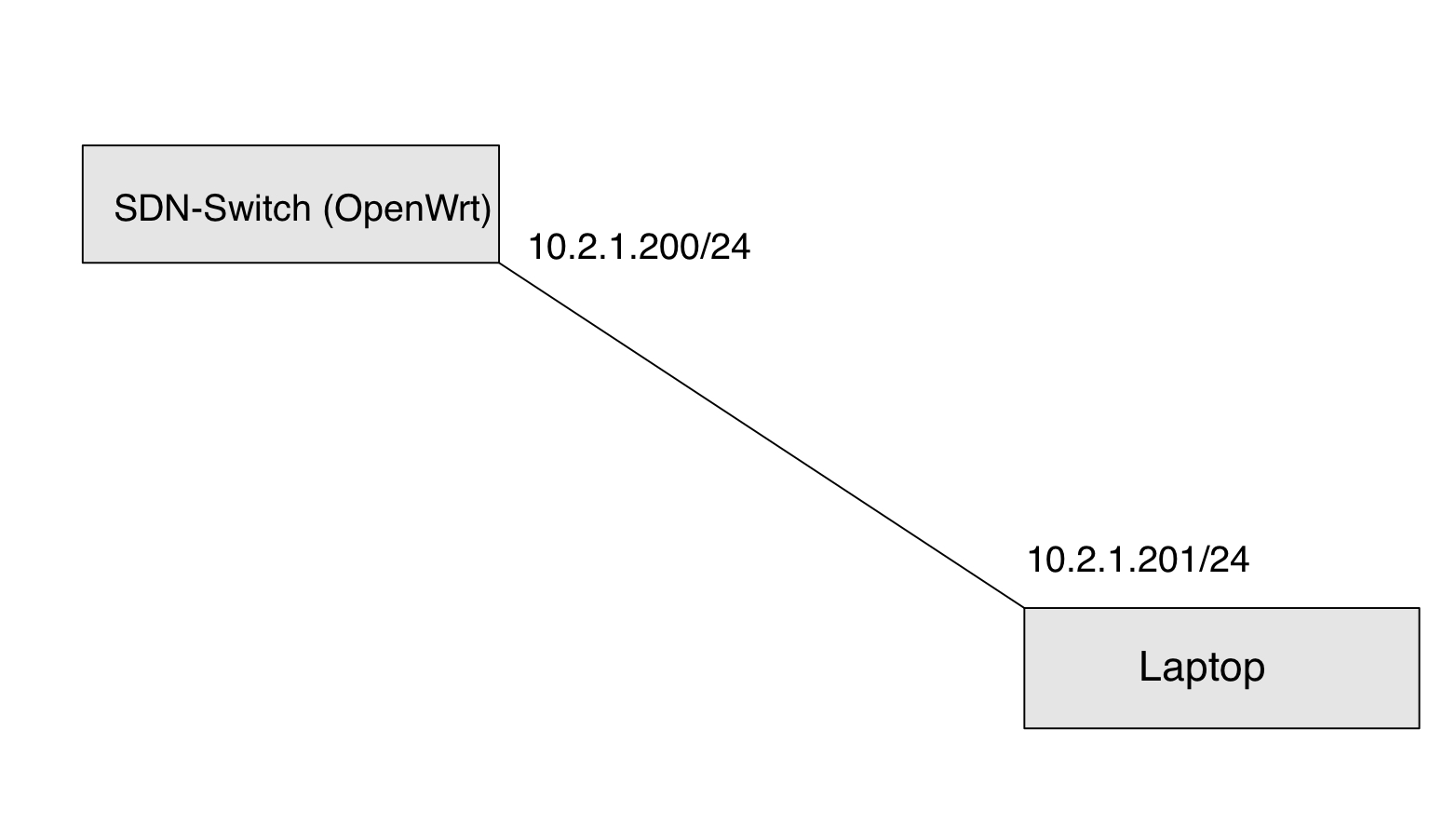
So the only thing I changed here is, that I am using as the ipv4 Adresse 10.2.1.200 instead of 10.10.1.200 as the ipv4 address of the "lan" interface
The vlan assignment still doesn’t achieve anything useful.
But the fundamental problem is that you are connecting to an upstream network that has a certain range. When you go outside to that range, is becomes unreachable as expected because there is no path to the new range.
Because each of those is on a different /24 network subnet. The router has set up a /24 which means that the first three octets always remain the same and the last octet is the host address.
Think of it like this: you setup a scavenger hunt on a college campus. There is an expectation that the scope of where they should be looking is the campus itself. If you want to expand the search range to a full city around the school, the entire state, maybe the whole country, you need to specify that at the outset by your subnet size.
that's clear for me, but when I define a subnet 10.2.1.0/24 then all usable ip addresses in this subnets are 10.2.1.1 - 10.2.1.253. So 10.2.1.200 and 10.2.1.201 should work
It's the entire network. I am building a new tiny network with the subnet 10.2.1.0/24 so I done this with 10.5.1.0/24 and all worked fine my Openwrt router get the ip address 10.5.1.200 and worked fine. When I try this with the subnet 10.2.1.0/24 I assigned my router the address 10.2.1.200 and my laptop the address 10.2.1.201. That doesn't work, I can't connect to the router .