I’m sorry for not being able to help you with this straight away, but may I ask you why would you want to go about highjacking DNS in this case?
I mean would it just be sufficient to advertise your router’s DNS server to your clients? Then, if someone in your network really, really wants to see ads, they can choose to use some other, external DNS server.
I’m running adblock on my main router, but tbh it never even crossed my mind to go as far as doing DNS hijacking.
That said, I do reckon there might me other legitimate reasons to hijack DNS, but just for enforcing adblock it seems a bit overkill.
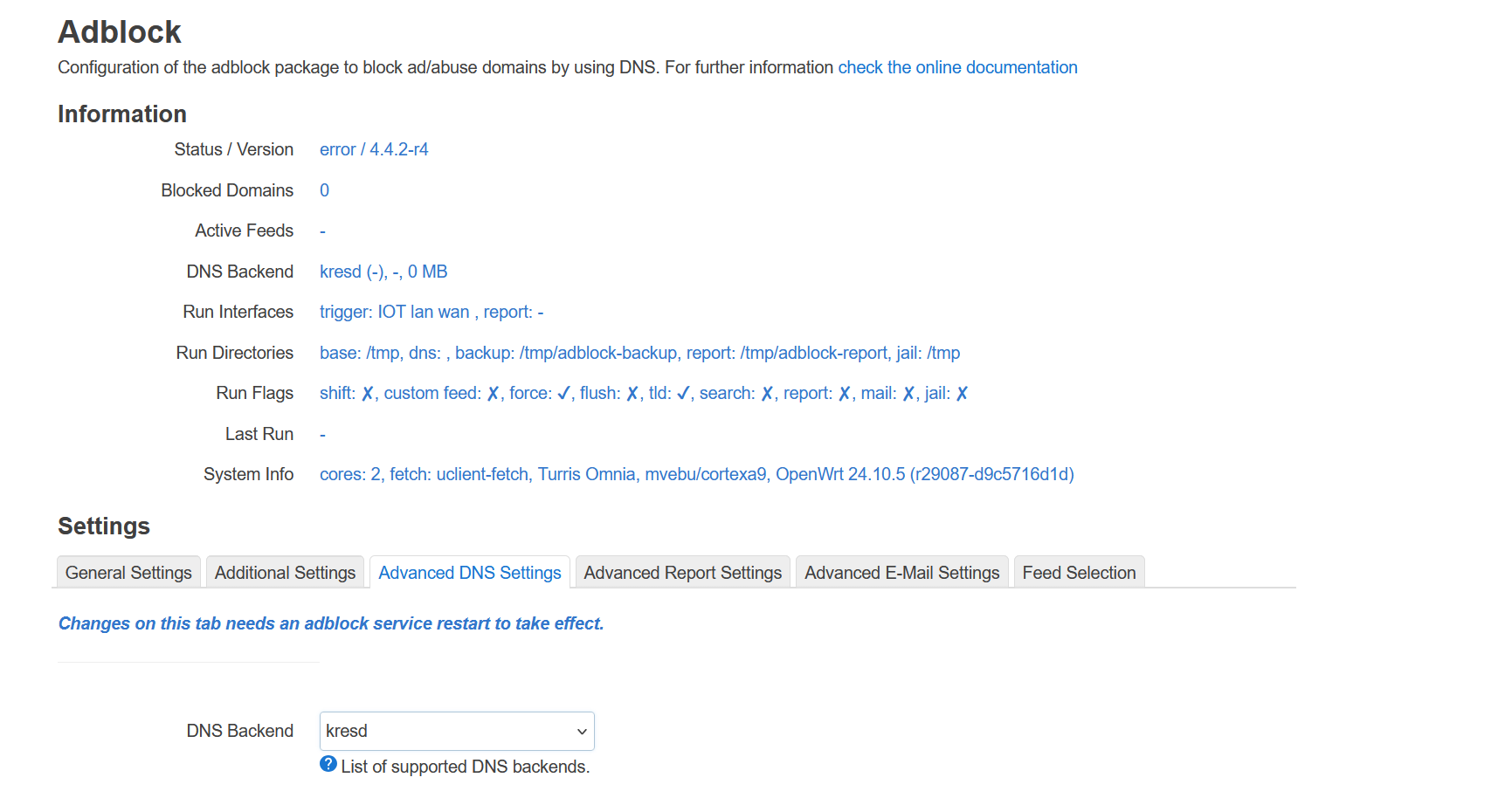
You don't need to specify any rules outside of adblock. Just check the main adblock status page ... e.g. from Turris Omnia 9.0.3 with kresd as dns backend (hbs branch)
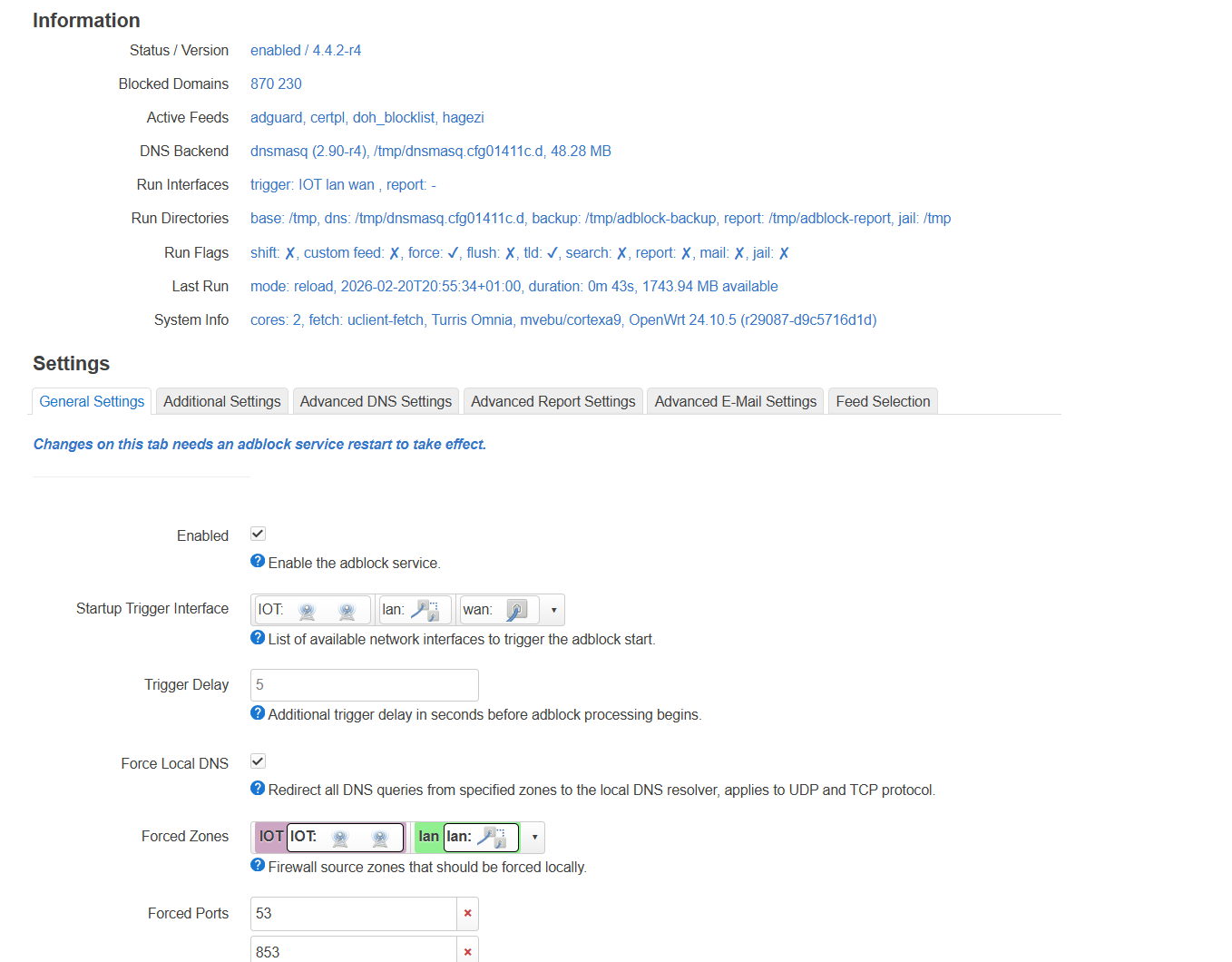
Well, you've a Turris Omnia and switched your OS from Turris OS to OpenWrt, at least that's what your first screenshot claims. Therefore, please also use the standard DNS resolver under OpenWrt - which is dnsmasq (not kresd!). For hagezi please also specifiy the lists you want to use, e.g.
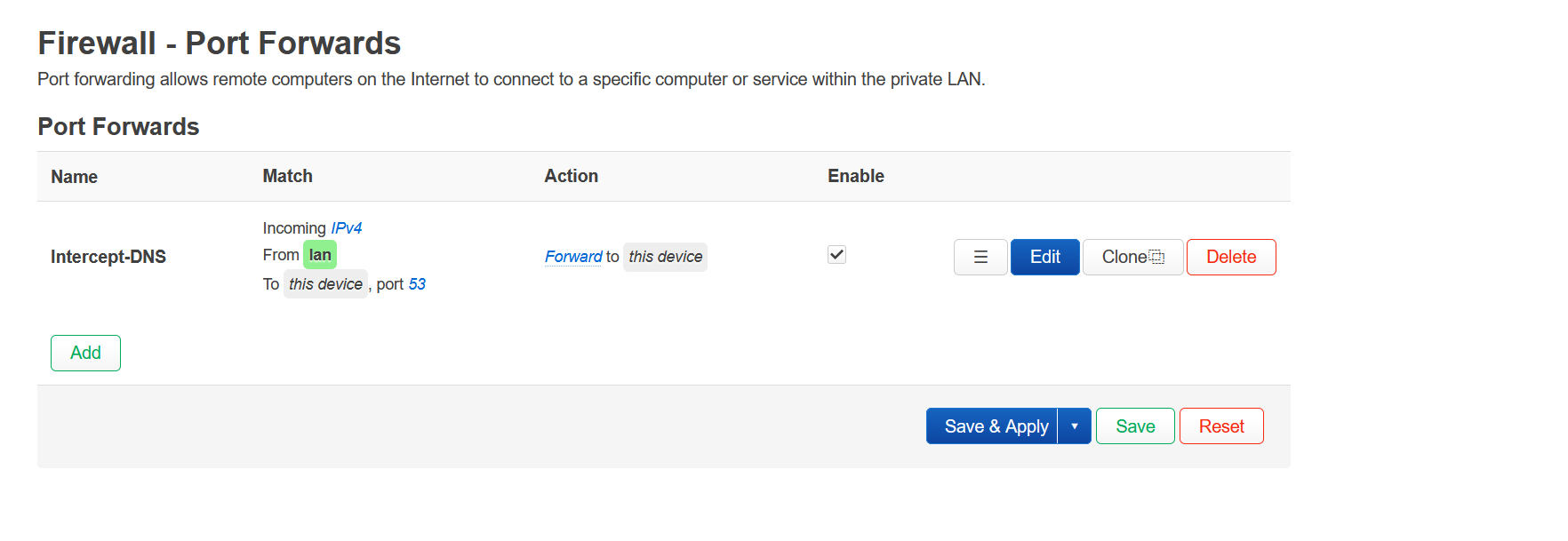
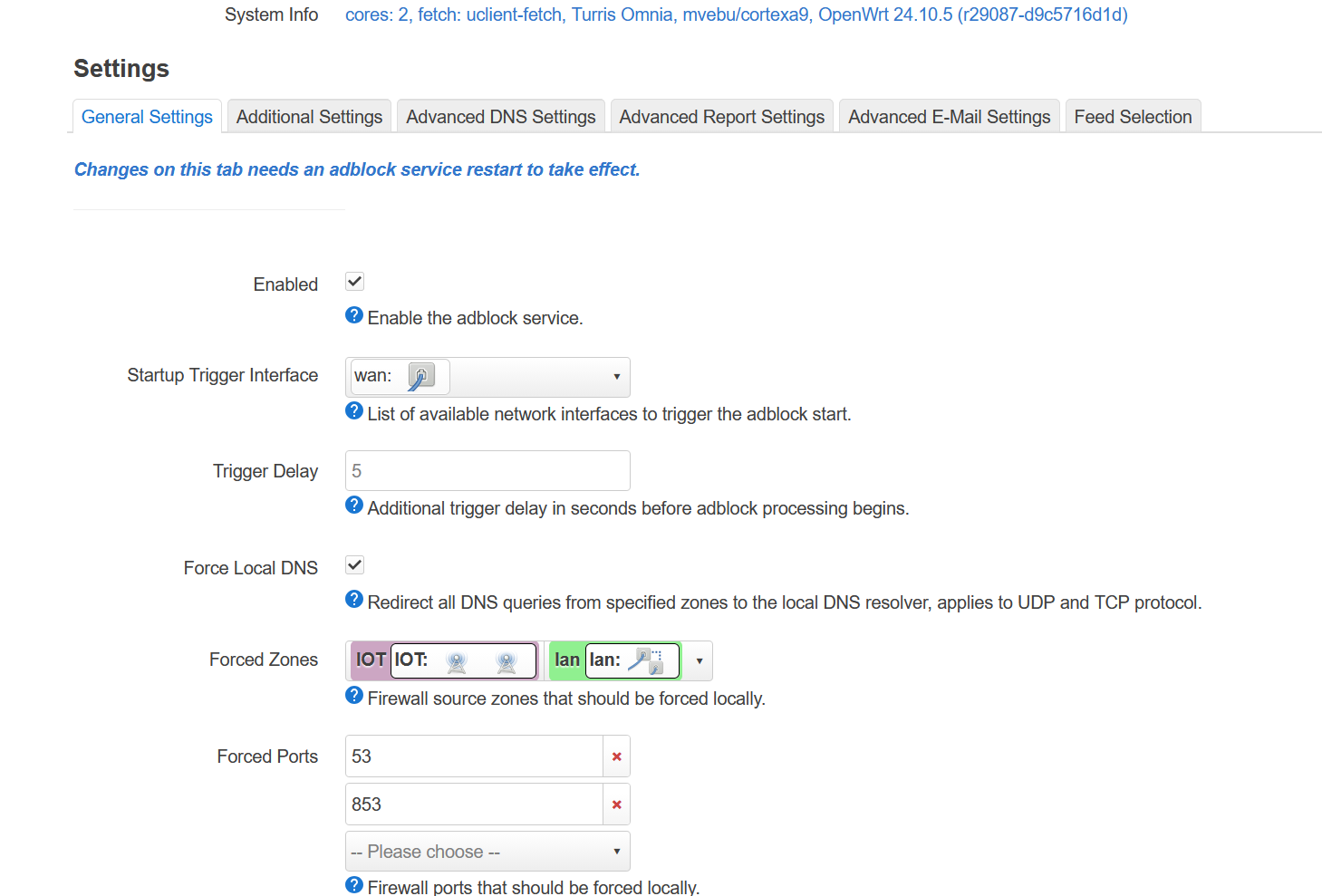
I only hijack port 53. Hijacking port 5353 (another option offered by adblock) can wreak havok on MDNS depending on your setup.
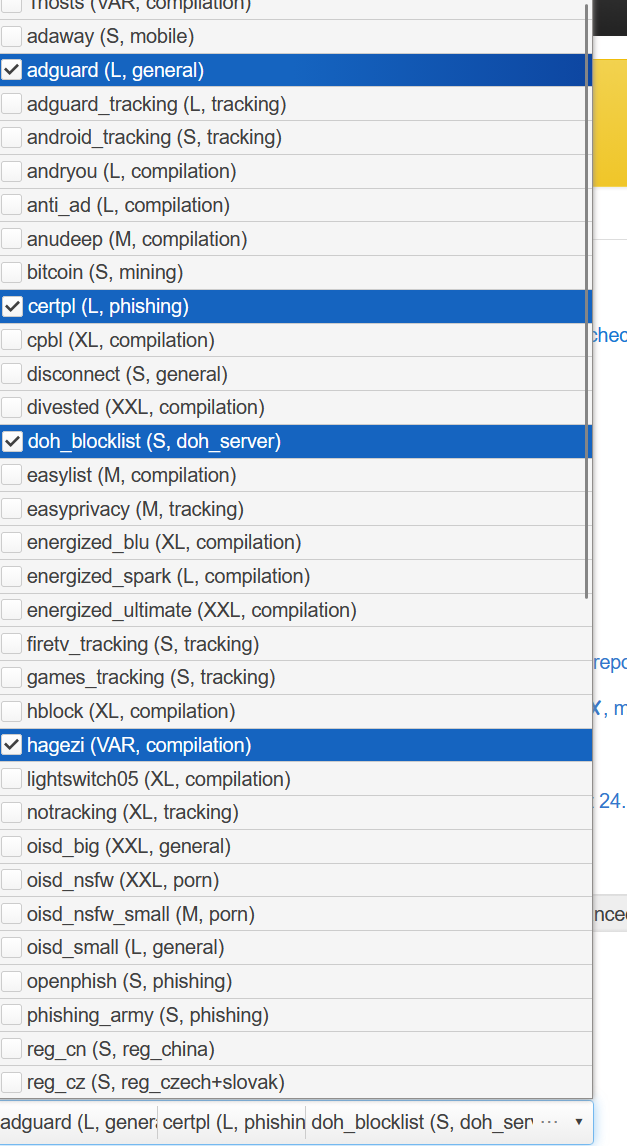
Next select the doh_blocklist via adblock.
Finally, it’s been a while since I’ve used banip and even longer since I used it’s doh_blocklist. It caused WAY too many false positives. I resorted to a better than nothing solution. Manually blocking the most popular, google and cloudflare with this rule.
This won’t get you 100% coverage but will get you most of the way there without breakage. If someone is determined to get around this, they can. However, my logs show it’s very effective.
Edit:
For easier copy and pasting, the rules above as applied to /etc/config/firewall
config rule
        option src '*'
        option dest 'wan'
        option dest_port '853'
        option target 'REJECT'
        option name 'Block-DoT-DoQ'
        list proto 'tcp'
        list proto 'udp'
config rule
        option name 'Block-DNS-IPs'
        option src '*'
        option target 'REJECT'
        option dest 'wan'
        list dest_ip '1.1.1.1'
        list dest_ip '1.0.0.1'
        list dest_ip '8.8.8.8'
        list dest_ip '8.8.4.4'
        list dest_ip '104.16.248.249'
        list dest_ip '104.16.249.249'
        list dest_ip '2606:4700:4700::1111'
        list dest_ip '2606:4700:4700::1001'
        list dest_ip '2001:4860:4860::8888'
        list dest_ip '2001:4860:4860::8844'
        list dest_ip '2606:4700::6810:f9f9'
        list dest_ip '2606:4700::6810:f8f9'
        option dest_port '53 80 443'
        list proto 'tcp'
        list proto 'udp'
Thanks. Let me clarify my situation first. I flashed my Turris Omnia router to OpenWrt (I'm running the newest version, 24.10).Because it is not possible to set my ISP router to bridge mode, I am using double NAT (In DMZ mode) IPv6 is not working in DMZ mode, which is why I have disabled IPv6. I hope my explanation is clear. What would be the best option in this situation?
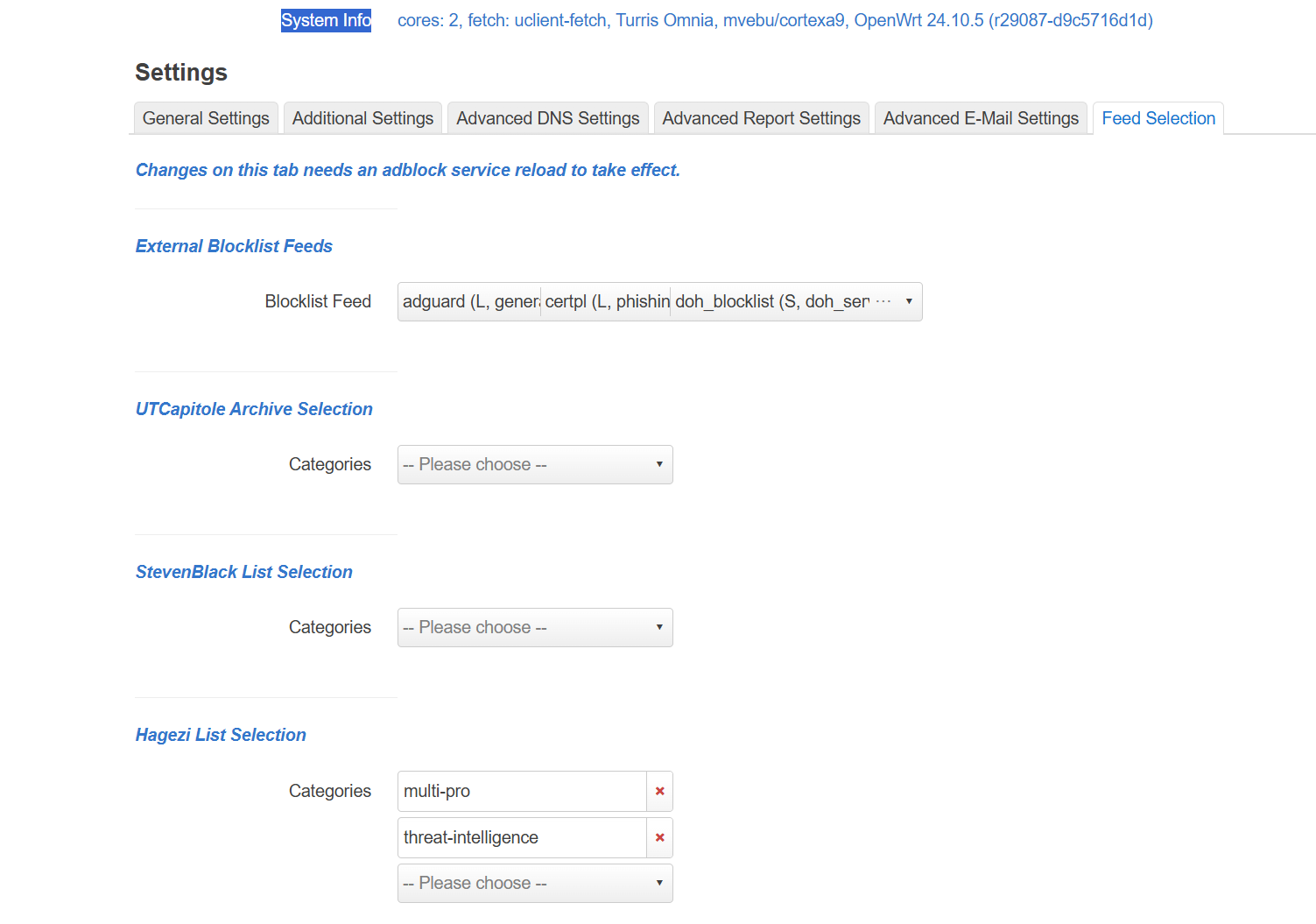
Thanks."I changed the standard DNS resolver, and after that Adblock started running (see screenshot)I also changed the settings (added them) for Haghezi (see screenshot).Everything is set now?