Cleared the cookies before. Must have been the cache then, as suddenly today everything works fine. Thank you!
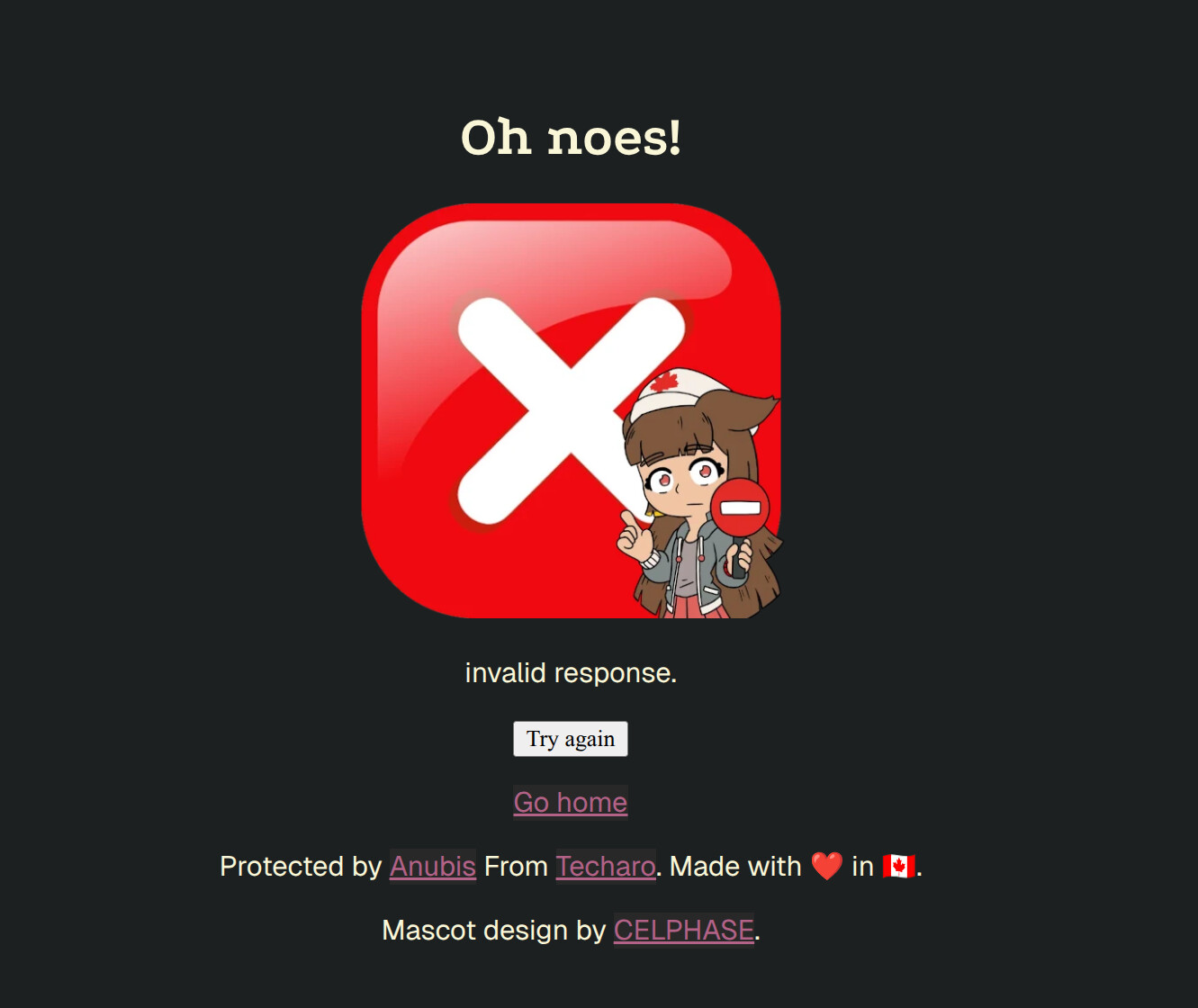
I get this when I try to login to the Wiki:
/.within.website/x/cmd/anubis/api/pass-challenge?response=###############################################################&nonce=37.5&redir=https%3A%2F%2Fopenwrt.org%2F&elapsedTime=16:1


           GET https://openwrt.org/.within.website/x/cmd/anubis/api/pass-challenge?response=###############################################################&nonce=37.5&redir=https%3A%2F%2Fopenwrt.org%2F&elapsedTime=16 500 (Internal Server Error)
I tried clearing my cookies, cache, basically all site data for that site. Never had this issue before 
Also, yes I did a cursory search on the forum and all I saw was to clear my cookies/site data
So i tried today and got the message below (still can’t access) with server code 500:
Your browser is configured to disable cookies. Anubis requires cookies for the legitimate interest of making sure you are a valid client. Please enable cookies for this domain.
However, I enabled all cookies… even third party cookies. Using Brave browser v1.81.135 (shields off for the site) on:
Linux 6.0.12-76060012-generic #202212290932~1674066459~20.04~3cd2bf3-Ubuntu SMP PREEMPT_DYNAMI x86_64 x86_64 x86_64 GNU/Linux
Sorry your browser is not working with Anubis. As of today, we are using the latest version. As requested several times in this thread: Could you visit: The Anubis User-Agent checker and post the output here with any location and/or IP info removed.
Have you tried a different browser?
2 Likes
EDIT: IT ALL OF A SUDDEN WORKS NOW. NOT SURE WHY... I DIDN'T CLEAR ANYTHING THAT I KNOW OF AND IT DID'T WORK 10 MIN AGO. I WILL LEAVE THE HEADER INFO BELOW FOR POSTERITY. THANK YOU FOR YOUR HELP!
Have you tried a different browser?
Not on my computer but my iphone8 has Brave Browser iOS version 1.79 and it works. This is on the same home network as my computer that has the issue (so the Openwrt server is seeing the same ip address for both).
GET /
Accept: text/html,application/xhtml+xml,application/xml;q=0.9,image/avif,image/webp,image/apng,*/*;q=0.8
Accept-Encoding: gzip, deflate, br, zstd
Accept-Language: en-US,en;q=0.5
Priority: u=0, i
Referer: https://forum.openwrt.org/
Sec-Ch-Ua: "Chromium";v="136", "Brave";v="136", "Not.A/Brand";v="99"
Sec-Ch-Ua-Mobile: ?0
Sec-Ch-Ua-Platform: "Linux"
Sec-Fetch-Dest: document
Sec-Fetch-Mode: navigate
Sec-Fetch-Site: cross-site
Sec-Fetch-User: ?1
Sec-Gpc: 1
Upgrade-Insecure-Requests: 1
User-Agent: Mozilla/5.0 (X11; Linux x86_64) AppleWebKit/537.36 (KHTML, like Gecko) Chrome/136.0.0.0 Safari/537.36
X-ForwaEDrded-For: ***.***.***.***
X-Forwarded-Host: httpdebug.xelaso.net
X-Forwarded-Port: 443
X-Forwarded-Proto: https
X-Forwarded-Scheme: https
X-Http-Protocol: HTTP/2.0
X-Real-Ip: ***.***.***.***
X-Request-Id: 3dd9bcb413a53e093bd84bbf96cbeafc
X-Scheme: https
X-Tls-Version: TLSv1.3
Heading
1 Like
MS Edge / Windows 11 user. I’m getting false positives & unexpected prompts on the Anubis proxy– seems like broken sessions?.
I know MS Edge has additional third party and ads tracking cookie blocking. It may be blocking cookies or storage that Anubis uses for sessions.
Also, do we have the option to replace the underage female cat cartoon with OpenWRT branding?
target URL = https://openwrt.org/toh/linksys/e8450
GET /
Accept: text/html,application/xhtml+xml,application/xml;q=0.9,image/avif,image/webp,image/apng,*/*;q=0.8,application/signed-exchange;v=b3;q=0.7
Accept-Encoding: gzip, deflate, br, zstd
Accept-Language: en-US,en;q=0.9
Priority: u=0, i
Referer: https://forum.openwrt.org/
Sec-Ch-Ua: "Chromium";v="140", "Not=A?Brand";v="24", "Microsoft Edge";v="140"
Sec-Ch-Ua-Mobile: ?0
Sec-Ch-Ua-Platform: "Windows"
Sec-Fetch-Dest: document
Sec-Fetch-Mode: navigate
Sec-Fetch-Site: cross-site
Sec-Fetch-User: ?1
Upgrade-Insecure-Requests: 1
User-Agent: Mozilla/5.0 (Windows NT 10.0; Win64; x64) AppleWebKit/537.36 (KHTML, like Gecko) Chrome/140.0.0.0 Safari/537.36 Edg/140.0.0.0
X-Forwarded-For: xxxx
X-Forwarded-Host: httpdebug.xelaso.net
X-Forwarded-Port: 443
X-Forwarded-Proto: https
X-Forwarded-Scheme: https
X-Http-Protocol: HTTP/2.0
X-Real-Ip: xxxx
X-Request-Id: de1c70fe9ea7929685a7a6d554d6790d
X-Scheme: https
X-Tls-Version: TLSv1.3
I have had no trouble with MS Edge on both Win10 & Win11.
I have replaced the image with a different version of the unfortunate mascot. I tried to keep the request to not replace it in the 'free' version by using a smaller version as an overlay. It adheres to the spirit of the request by the developer. (I really loath un-necessary cuteness)
2 Likes
I have replaced the image with a different version of the unfortunate mascot.
thank you for looking out for the community. I wasn’t aware of the licensing restrictions.