The WAN Mac address and the router does match
I'm not sure if I used that. I had all setting factory except for port forwarding, DNS server and some WiFi settings.
then you need to find out.
The stock firmware does not have pppoe enabled by default. No I meant my old router since you asked the question.. Please don't mark it as solved 
I know I'm pretty dumb. I'm sorry.
at least you figured it out, and didn't blame the device for not working 
Should I tinker with OpenWRT until I get my internet to work or should I wait? 
wait for what ?
if you plug your computer directly into the ISP's device, does it have internet access ?
Ye I have internet when I connect directly to the ISP device.
did you power cycle the ISP device, as requested, and left it with only the WNDR connected ?
1 Like
eth1 is the default wan port for this device.
2 Likes
I tried it and no success 
If you moved the port assignments around, reset.
Alright. I'll just eat my food first. 

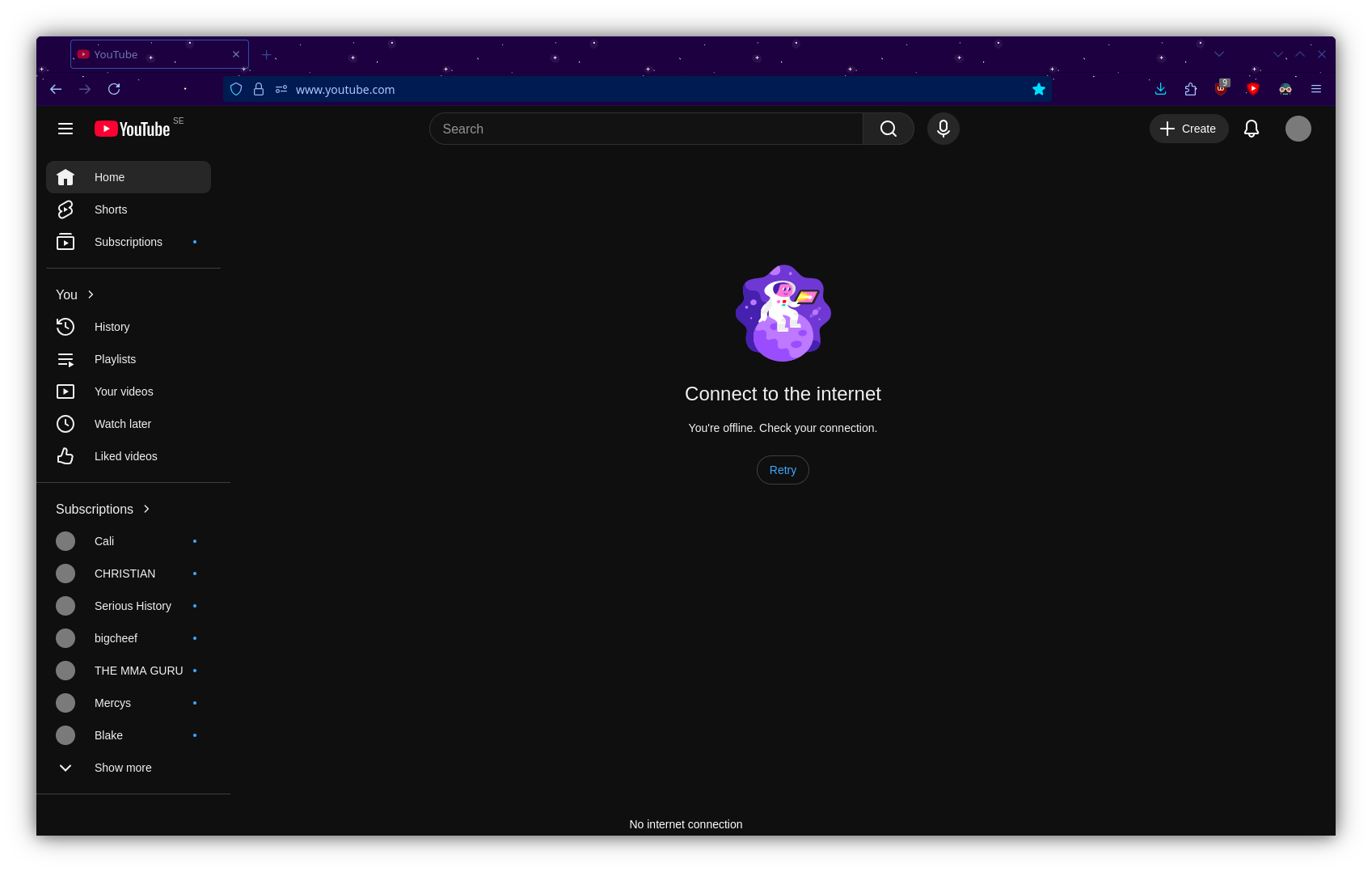
I keep getting this notification on my PC when I restart the router.

Now that I think about it. Shouldnt my lan interface be connected to my router and my wan interface be connected to my ISP device? It's currently the other way around (defaults).
I also believe my stock NETGEAR WNDR3800 had IPV6 disabled. I don't know if that makes any difference or not. I do also self-host my own AdGuard home (pi-hole alternative) but it's not connected to anything right now. I had it set as a DNS server for my old router.
Also I'm out of daily replies. I didn't know a limit existed 
@lleachii how do i check that?
I'll try coming back tomorrow when I can use more replies. Thanks for the help thus far <3
@AlanDias17 I was going to do that but it gave me a pretty scary warning about not being able to access the device. So I did the 90s with checks and ended up reverting after that didn't succeed.
@lleachii I did restart the ISP device a bunch of times. I didn't think I would have to reset it though.
Wan port of WNDR to ISP's device.
Don't change any settings while investigating.
Is your WAN IP 192.168.1.x?
Lack of update means it started to work after a reset ?
@TuxEnthusiast frolic is correct about overlapping IP subnets. You have to change LAN IP from 192.168.1.1 to 192.168.2.1. Then restart everything.