Ok I tried but I think I am too stupid I thought I almost understood the topic.
I have studied the video again and again and fail already at the very beginning when creating the VLANs on the "router".
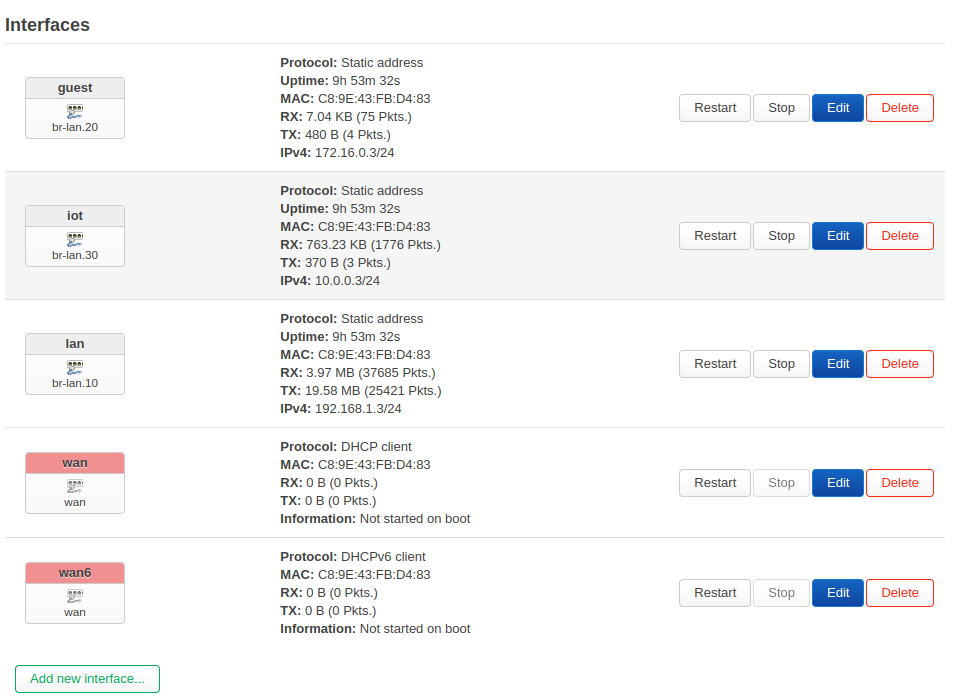
I have created the bridge interfaces as in the video series descripes, IOT, GUEST, LAN. As seen in this video at point 13:15. VLANs in OpenWrt21
I configure on the br-lan device the "VLAN filtering" see on 14:22.
I have my laptop connected to port 2 as recommended to not be excluded when I save the settings.
But as soon as I click on save after I have assigned the inferface to the VLANs, see 18:50, I am excluded.
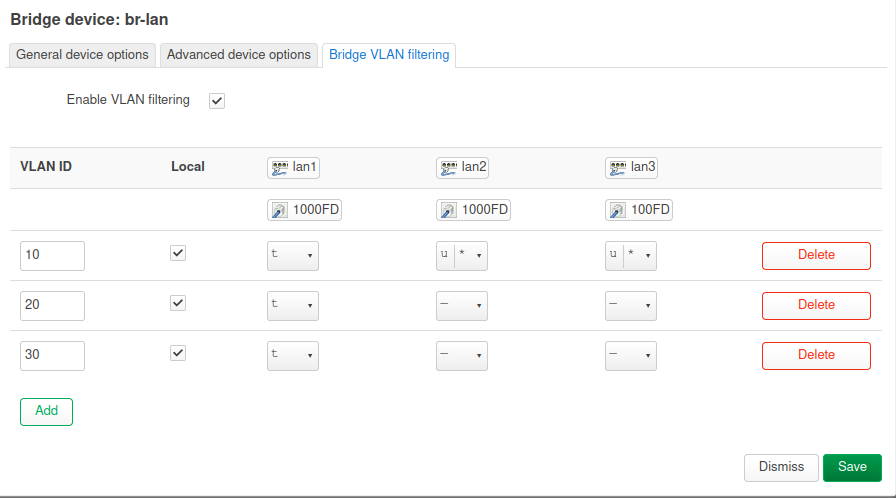
This is what I configure. My Laptop is on Port 2
The automatic rollback did not work and in the end I had to reset and reconfigure the whole router.
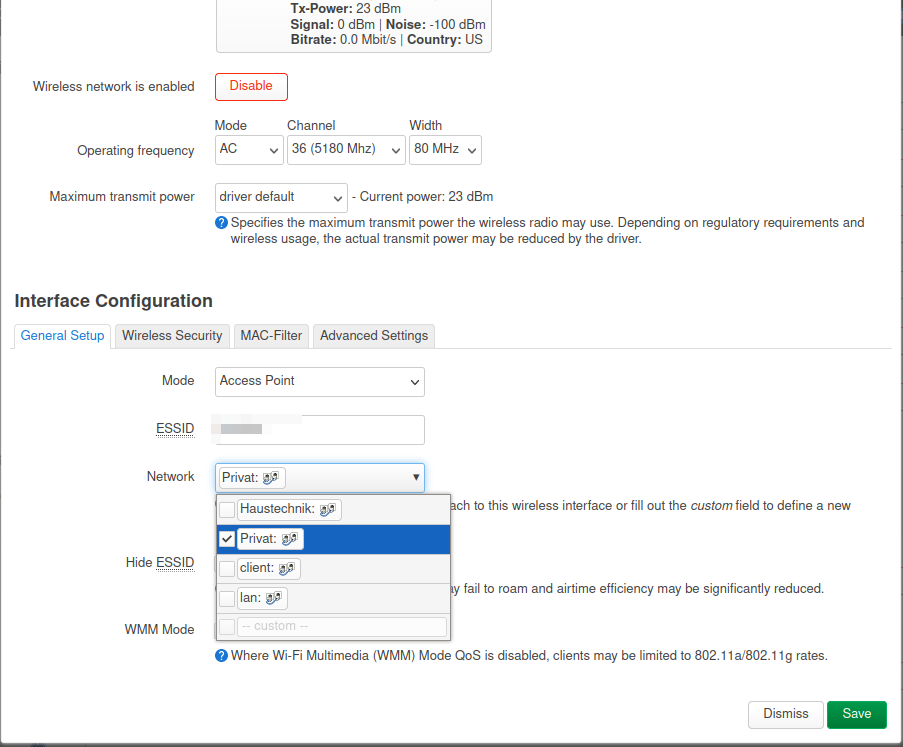
So I don't even get as far as configuring the AP, as you can see on 22:05.... according to the video I should have ended up with my laptop in VLAN99 and could continue to administer.
I am desperate.
EDIT:
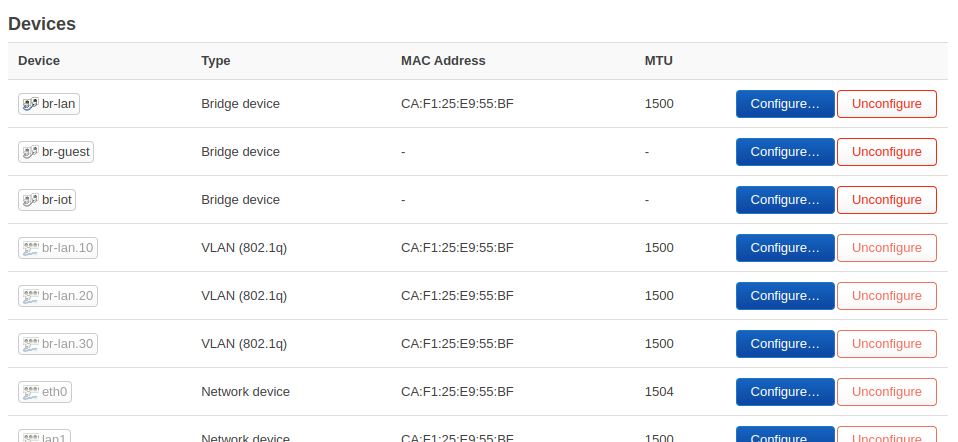
What for a status should be the devices on Interface - devices? Should be configure or unconfigure? For my reset there was configure and at all was the same MAC Adress entry as in the br-lan. Now I have click on unconfigure and now lan1, lan2, lan3 and wan have a different MAC as for example br-lan. Before it was the same. How should it be the? Maybe I have a problem there?
EDIT:
Really strange, after a reboot from the OpenWrt (Router) now all devices br-lan, lan1, lan2, lan3, wan have the same MAC, but another like the device really have (note on the label on the device).
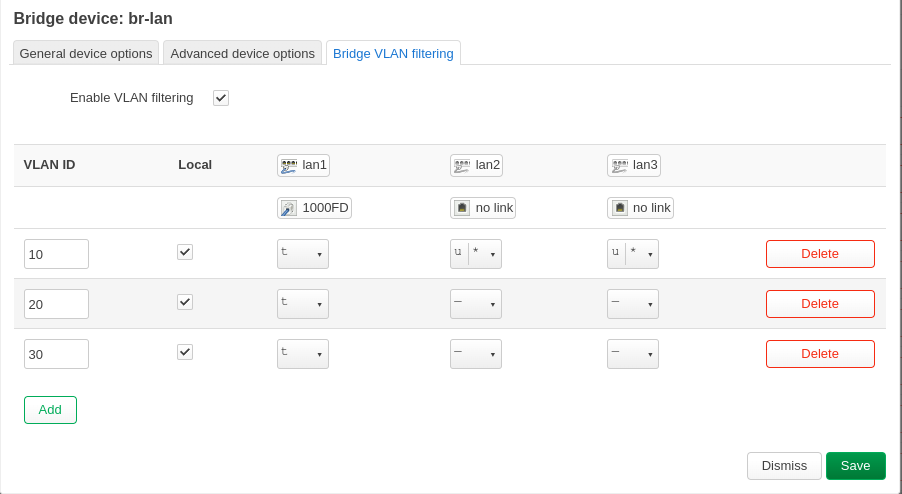
The screenshot looks fine. Yes, you will most probably lose access if you don't reconfigure the interface.
AFAIK, the Mac address on your bridges can be same if the devices are in different subnets. You can manually change them, too.
When setting it up the first time, it took me some tries to get straight as well. If you configure you lan2 and lan3 as untagged and hook your computer up there, you will have to reconfigure the LAN interface in the same go so that the device has an IP address. My setup looks like this (eth1 receives an IP address from the LAN interface if a computer is directly attached to it).
Thank you for your answer. I will try again soon. My OpenWrt router was already productive and it was stupid when I play with it and then it doesn't work. No one had wifi in the house anymore
I now put my old router back up and set up a test environment with my OpenWrt hardware. There I will try a new attempt soon.
In my screen there is not eth1, eth 2 etc.... the ports are called LAN1, LAN2, LAN3...
But I see an eth0 under register "Devices".
This is hardware specific or? Does not matter now? My OpenWrt hardware is a Netgear WAX202 and the APs are WAX206.
I've got it, I'm a big step ahead.......
In principle, I did nothing different than on the weekend, only now in a "test environment" where no "WAN" is available, i.e. no cable is plugged into the WAN port.
My wiring is now as follows:
OpenWrt 1 LAN1 directly with a cable to LAN1 of OpenWrt 2.
OpenWRT 2 LAN2 directly with a cable to LAN1 from OpenWrt 3.
On the other LAN ports e.g. LAN3 or 4 my "normal" LAN (LAN10) is available everywhere. I haven't connected any switches yet, but I will connect them to this LAN3/LAN4. Then the normal LAN should be available at all ports of the switch I think.
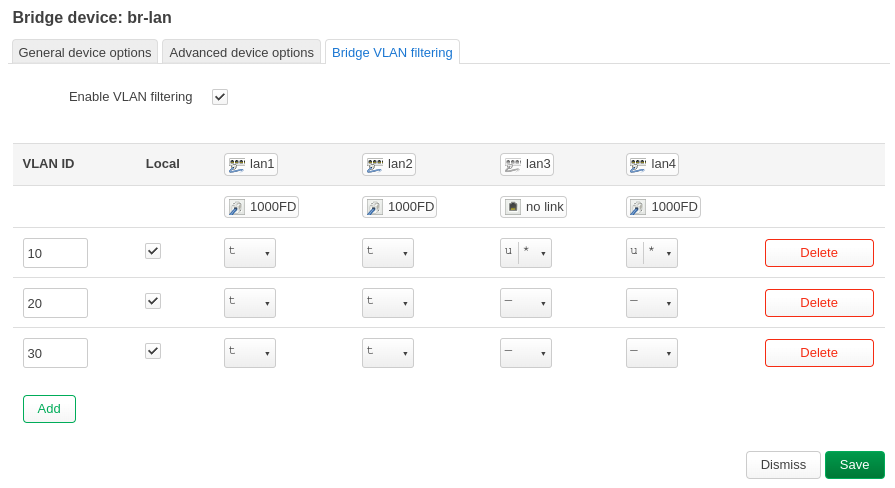
I think that looks good and everything is configured correctly?
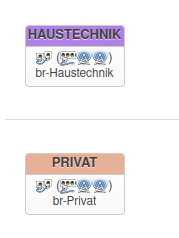
What surprises me is that the interface symbols no longer show any WLAN symbols, only the switch symbols. But WLAN works on every OpenWrt.
Now I just have two questions.
As it looks now I definitely don't need a managed switch for my requirement right?
Then I would like to know what exactly I have to set if, for example, I want to provide VLAN20 on Openwrt 2 on LAN4. Do I then have to set VLAN20 to "Untagged" for LAN4 without PVID?. Is the VLAN20 then available via cable at the port?
I would like to connect a device with a cable to the VLAN20 at the port.
Yes, but I would set a PVID. While the driver should automatically add the PVID if no PVID is defined, some drivers don't do that or don't do it reliably. The managed switch in your router will do the rest, i.e. adding the tag if required and removing the tag if required.
Ok I got it I think. Thank you again very much for your help and patience.
I also think that I have now a lot understood how it works and I now have an original packed Netgear GS308T lying here But maybe I'll just keep it just in case
I have now created my final configuration in the test environment. At the weekend I will switch to productive.
I have a total of four VLANs for the following purposes:
LAN (Private - available via cable and WLAN)
GUEST (Guest network - available via WLAN)
IOT (IoT devices - available via WLAN)
Smart (Smart TV with Internet Access - available via cable and WLAN)
Two things are still a bit strange but I think that's nothing bad I hope.
The WLAN symbol is still missing at the "Interfaces" as seen on your picture. But WLAN works.
My test smartphone connects to all WLANs except one, no connection is established there, no IP address can be retrieved. I can't find any difference between this WLAN and the others. But my test tablet, however, has no problems and can connect to all 4 WLANs.
EDIT:
Oh no, my main Smartphone have the same problem which I describe in point 2. What could there the Problem?
EDIT2:
Fine, I have now already moved everything and it is "productive" now. The smartphones now also connect to the one WLAN without problems, all good now I hope it remains stable
I close the topic. I got it to work the way I wanted and everything works. The VLAN configuration can be seen on my screenshot. Thanks for your help and patience andyboeh.
 I thought I almost understood the topic.